

Handlebars
Handlebars is a JavaScript library used for creating dynamic templates.
It allows you to define templates with placeholders, and these placeholders are replaced with data when the template is triggered with the information sent in the payload.
Handlebars within Fyno support features like conditional operations, loops, date time formatting, partial searches, and custom helpers, making it a powerful tool for building your templates.
Handlebars in Fyno’s Templates
To understand how handlebars work, we first need to establish a sample payload, based off which the Handlebars function and applicability can be demonstrated.
Fyno has default as well as custom handlebars that you can use in your templates. Let’s have a look at what these are and how to use them using the above payload and data as example responses. You can also generate handlebars with Fyno AI by describing what you need in plain language.
Double quotes inside handlebars can break your template syntax, especially in emails. Use single quotes instead. For example, use {{math number1 '+' number2}} instead of {{math number1 "+" number2}}.
To access placeholder values
To access values of an object
To access object values from an array
To access values from an array
To avoid escaping the values
L&T.To get length of an array
To check if variable exists
Approach 1: To check if variable equals a certain value
Approach 2: To check if variable equals a certain value
To check if multiple variables equal a certain value (AND and OR options)
To check if variable equals a regular expression
To check if string starts with certain characters
To use OR operator between two variables
To use AND operator between two variables
To use a specified default value if the actual value does not exist (or is null)
To sum two numbers
To subtract two numbers
To multiply two numbers
To divide numbers
To perform modulo
To round numbers
To check for negative condition (show something only if key doesn't exist)
To iterate over a list/array
To use combination of conditions and nesting (advanced)
To lookup values and use them in placeholders (advanced)
To split variables and get value at index
To split variables and loop on it
To check if timestamp equals to today or yesterday or tomorrow
To check the difference between two dates (in ms, seconds, minutes, hours, days, weeks, months or years)
To format date value
To format datetime value
To format numeric value
To trim spaces from value
To trim values to a particular length
To trim value to a particular length and then truncate until the last occurrence of the specified delimiter
To remove a string
To sum multiple numbers
Current time with date format
Specific time with formatting and timezone
Convert Number to Words
Convert Unicode to Non Unicode characters
Generate Handlebars with Fyno AI
Don’t want to write the syntax yourself? Describe what you need in plain language, and Fyno AI will generate a ready-to-use handlebar for you.
Where to find it
You can open the generator from two places:
- Left panel on the template page: Expand Handlebars > Build Your Own and click Generate. If you’d rather build the logic yourself, this section also links to the Handlebars Builder.
- AI menu on input fields: Any field that supports handlebars has an AI menu. Choose Generate Handlebar from it.
The AI menu also has Improve Handlebars, which refines a handlebar that’s already in the field instead of starting from scratch.
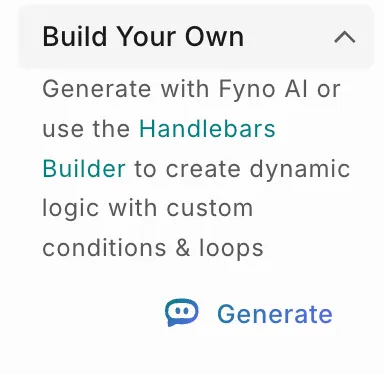
Generate a handlebar
Describe your requirement
In the Generate Handlebars window, describe what the handlebar should do. For example: Show order_date in short Indian date format. Then click Generate.
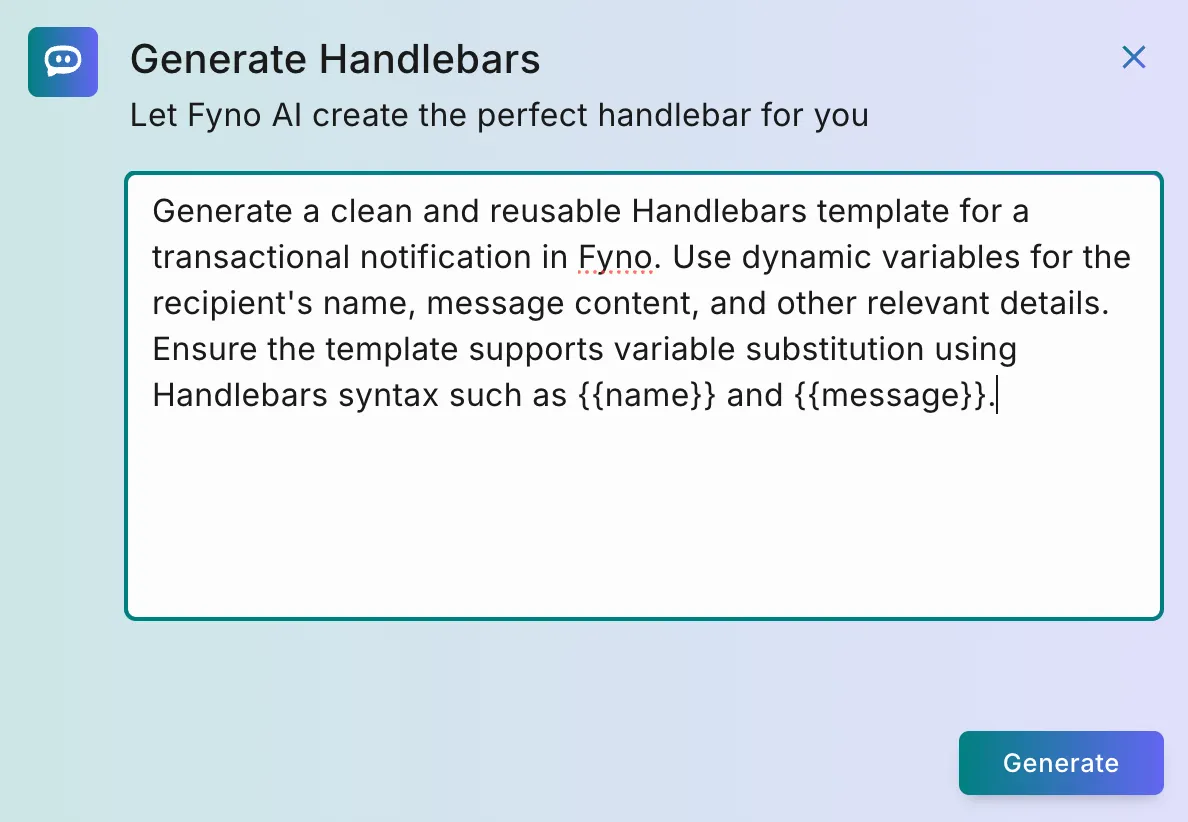
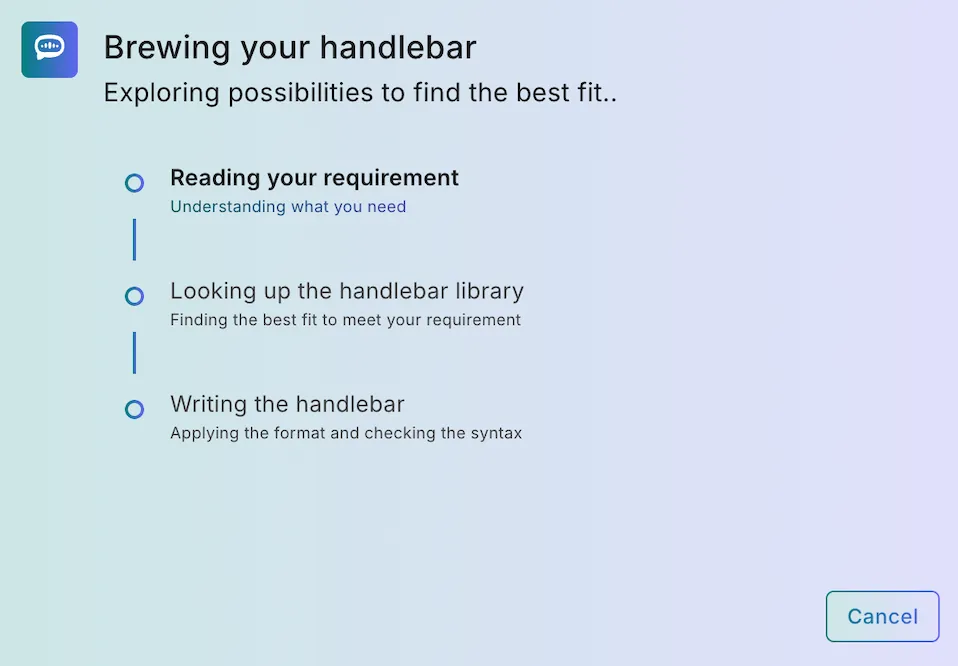
Arguments inside a handlebar must use single quotes, because double quotes can break your template, especially in emails. If a generated handlebar contains double quotes, replace them with single quotes before you use it.
Example requirements
These examples use the sample payload from earlier on this page.
Show a fallback value when a field is empty
Show different text based on a value
Total a list of amounts as currency
List every item in an array
Not quite right? Regenerate with feedback
Click Try Again to open Re-Generate Handlebar. Refine your requirement and, optionally, choose what went wrong from the Feedback dropdown. Your feedback helps us improve Fyno AI.
Click Generate to try again, or Back to return to the previous result.
If generation fails
If Fyno AI can’t generate a handlebar, you’ll see Oops! That didn’t go as planned. Click Try Again, ideally with a more specific prompt. If an earlier attempt had succeeded, you can also click View previous Handlebar to go back to that result.
Handlebars Builder
The Handlebars Builder lets you build handlebar logic visually, without writing the syntax yourself. To open it from a template, expand Handlebars > Build Your Own in the left panel and click Handlebars Builder.
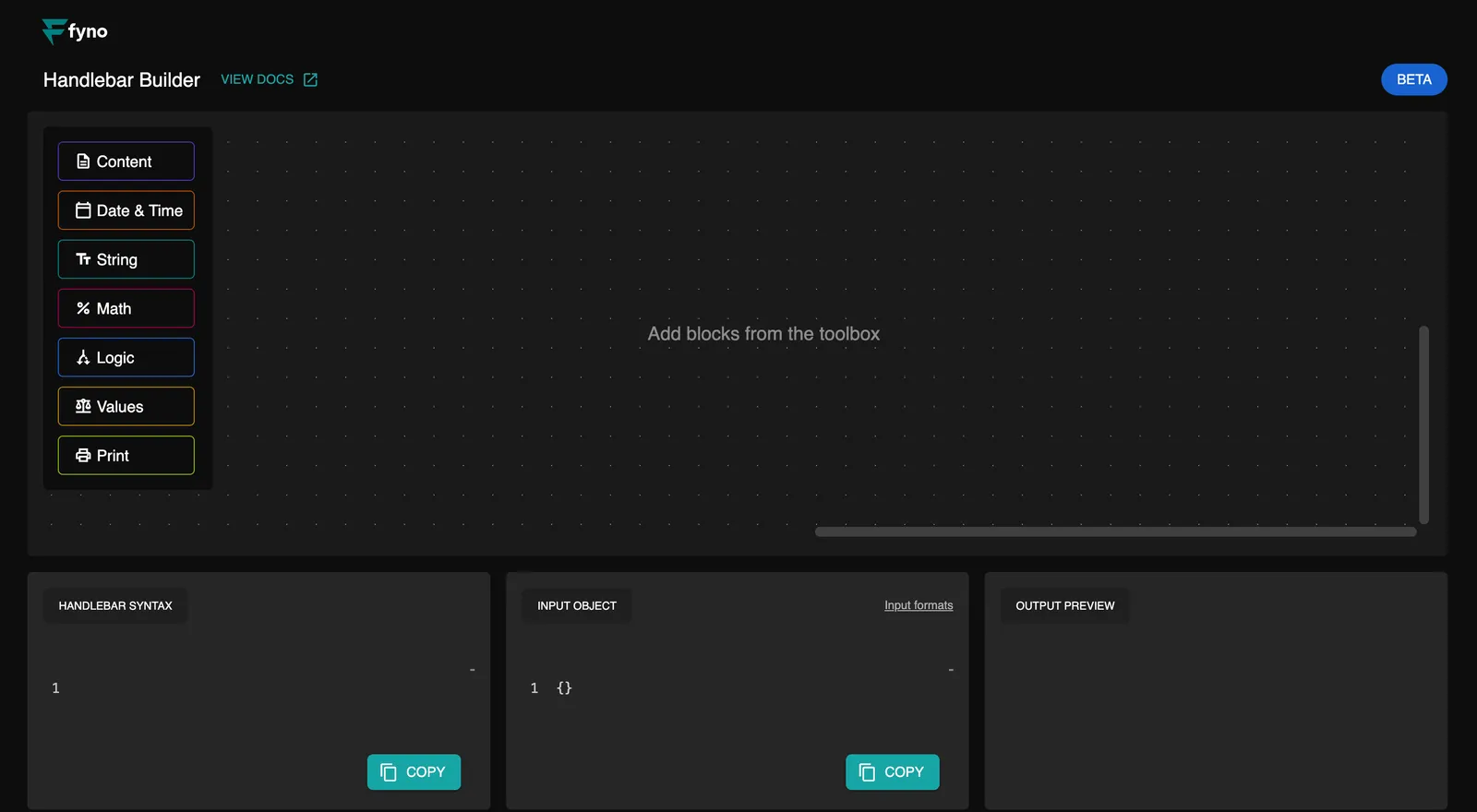
Add blocks
Add blocks from the toolbox (Content, Date & Time, String, Math, Logic, Values and Print) to build your logic.
Enter sample data
In Input Object, enter sample data as JSON, such as the sample payload on this page.