.webp)
.svg)
.svg)

.svg)
.webp)

.svg)
.svg)


VISUAL WORKFLOW CANVAS
Connect apps, process data, orchestrate journeys.
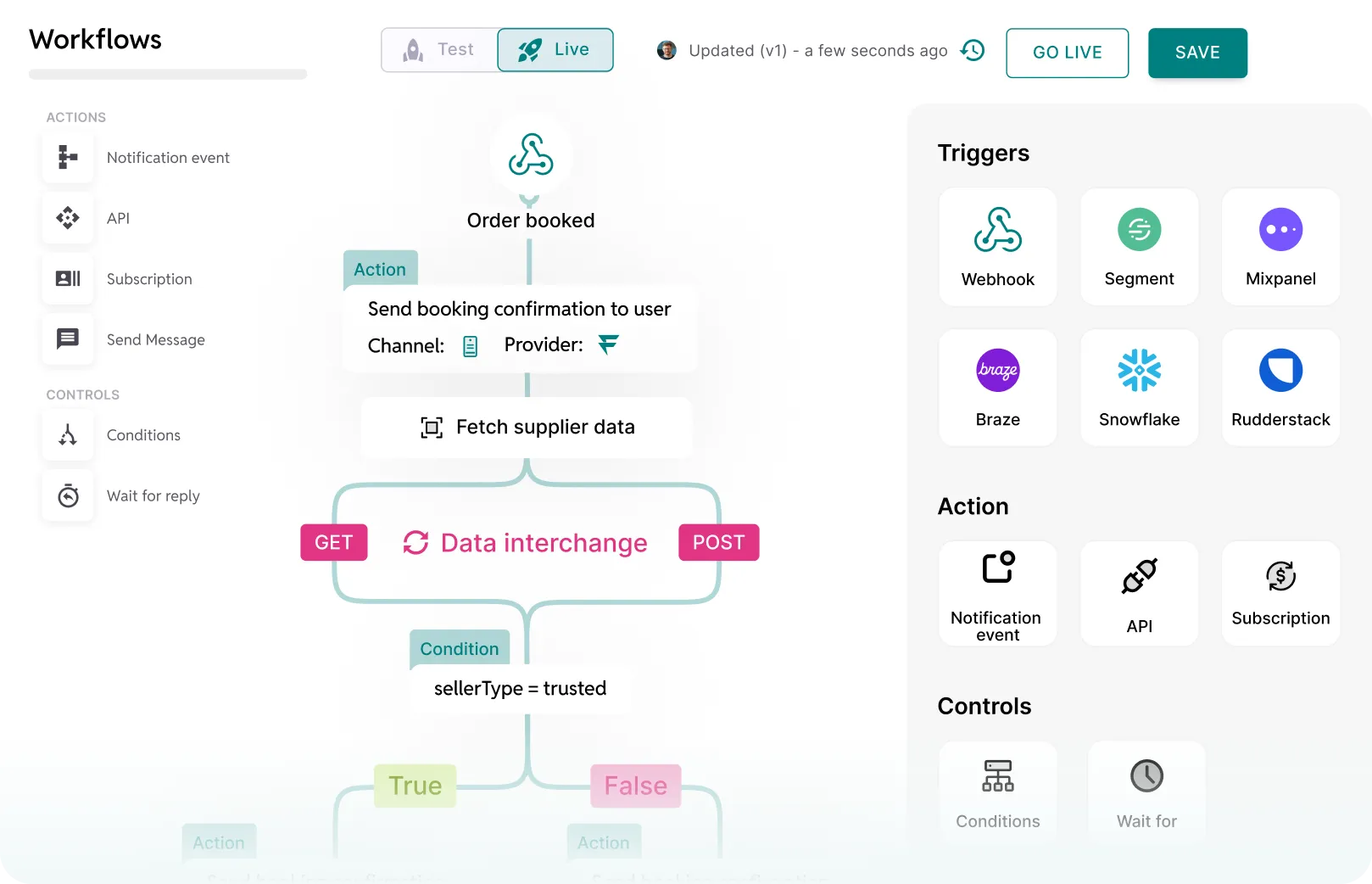
Drag-and-drop journeys with built-in conditional logic
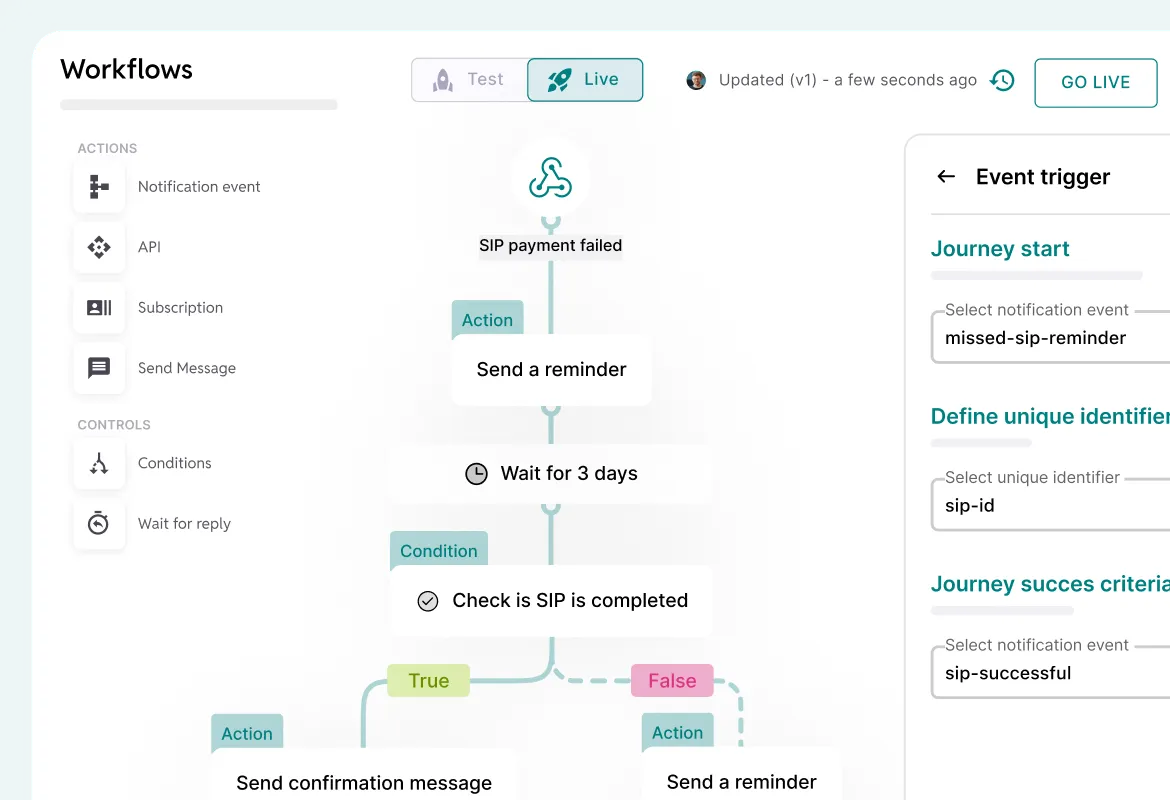
NO-CODE CANVAS
Drag, connect, deploy
Drag message steps, wait nodes, conditional branches, and API calls onto the canvas. Templates pull from Template Builder. Publish without a code review.
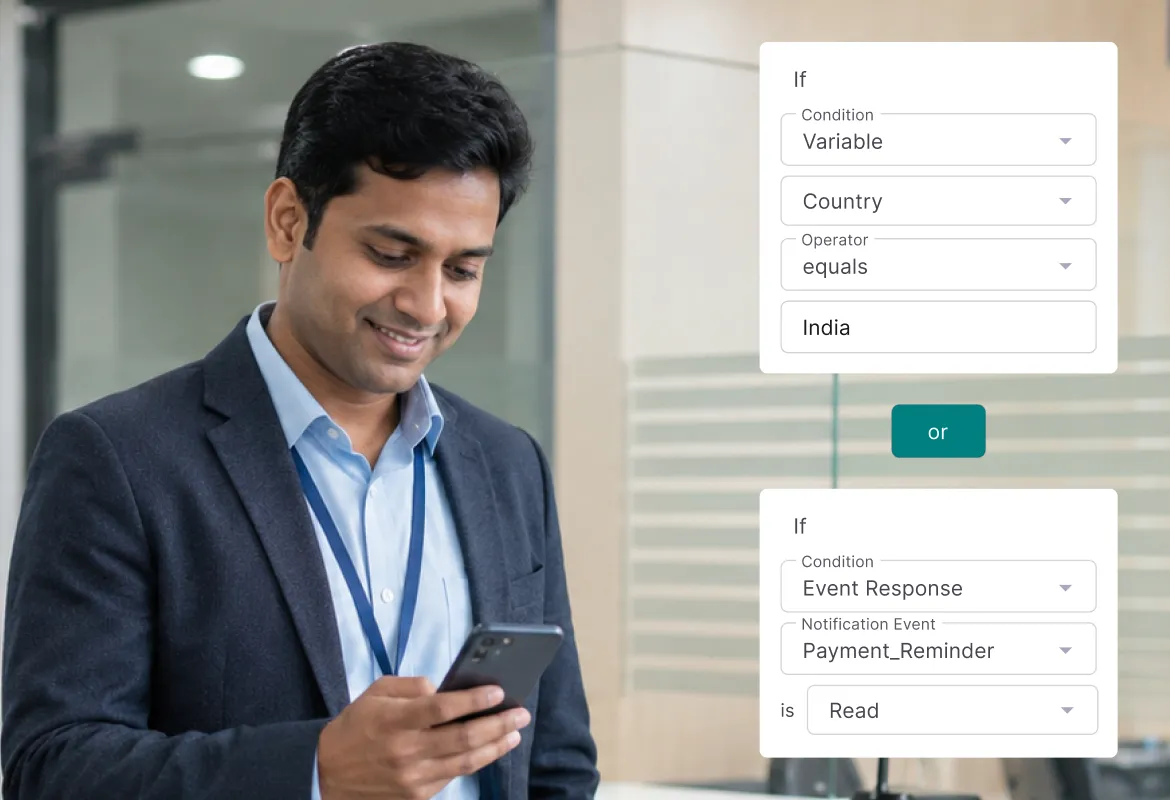
CONDITIONAL BRANCHING
Branch on any variable
Branch on country, segment, EMI amount, delivery outcome, or any variable from your CDP or backend. Evaluated in real time at every step in the flow.
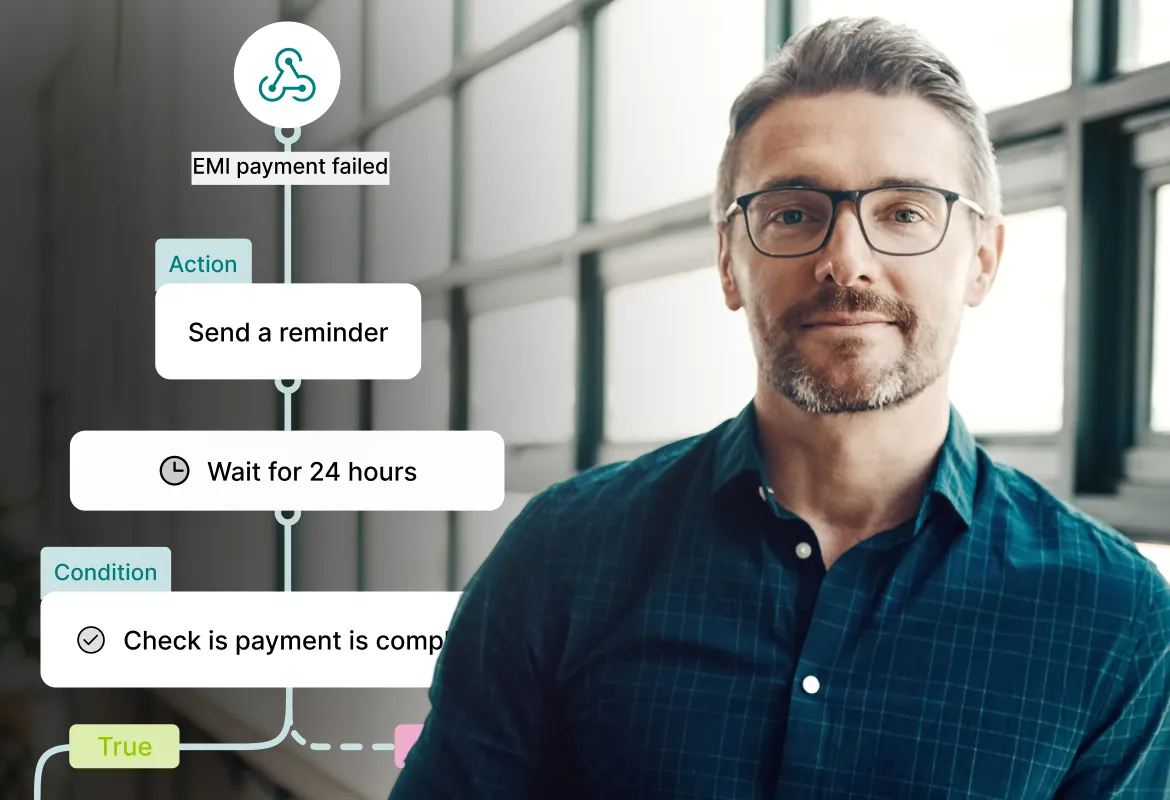
MULTI-STEP AUTOMATION
Sequences with delays
Push on day minus three, email on day minus one, SMS on due date, WhatsApp reminder on day plus one. Steps chained with waits, channel cascades, retries.
EVENT-BASED TRIGGERS
Fire on business events
Loan disbursement, payment failure, KYC completion, or any business event. Trigger via API, Kafka topic, webhook, or database change. No polling, no lag.
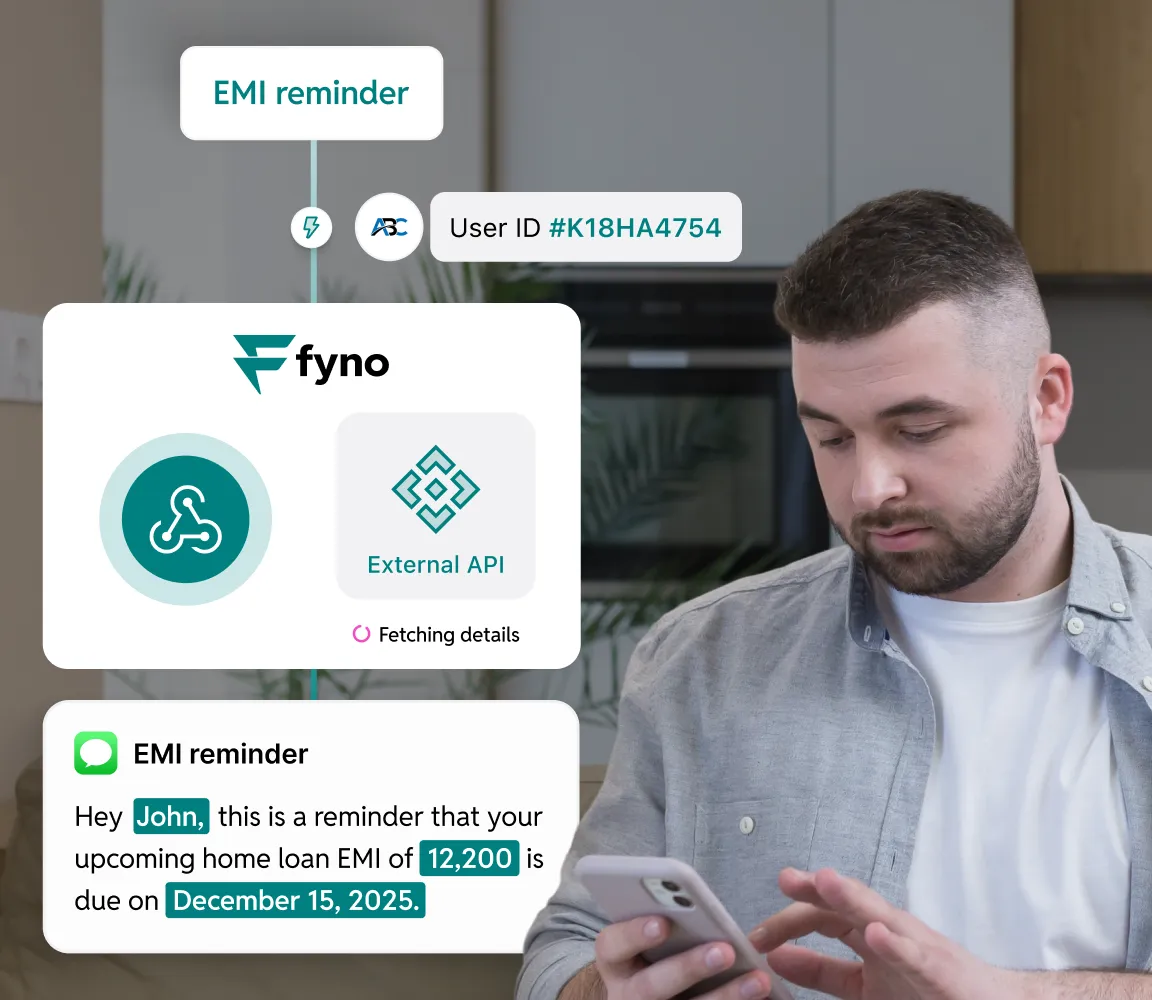
No-code integrations
External APIs mid-flow, automatic rerouting on failure
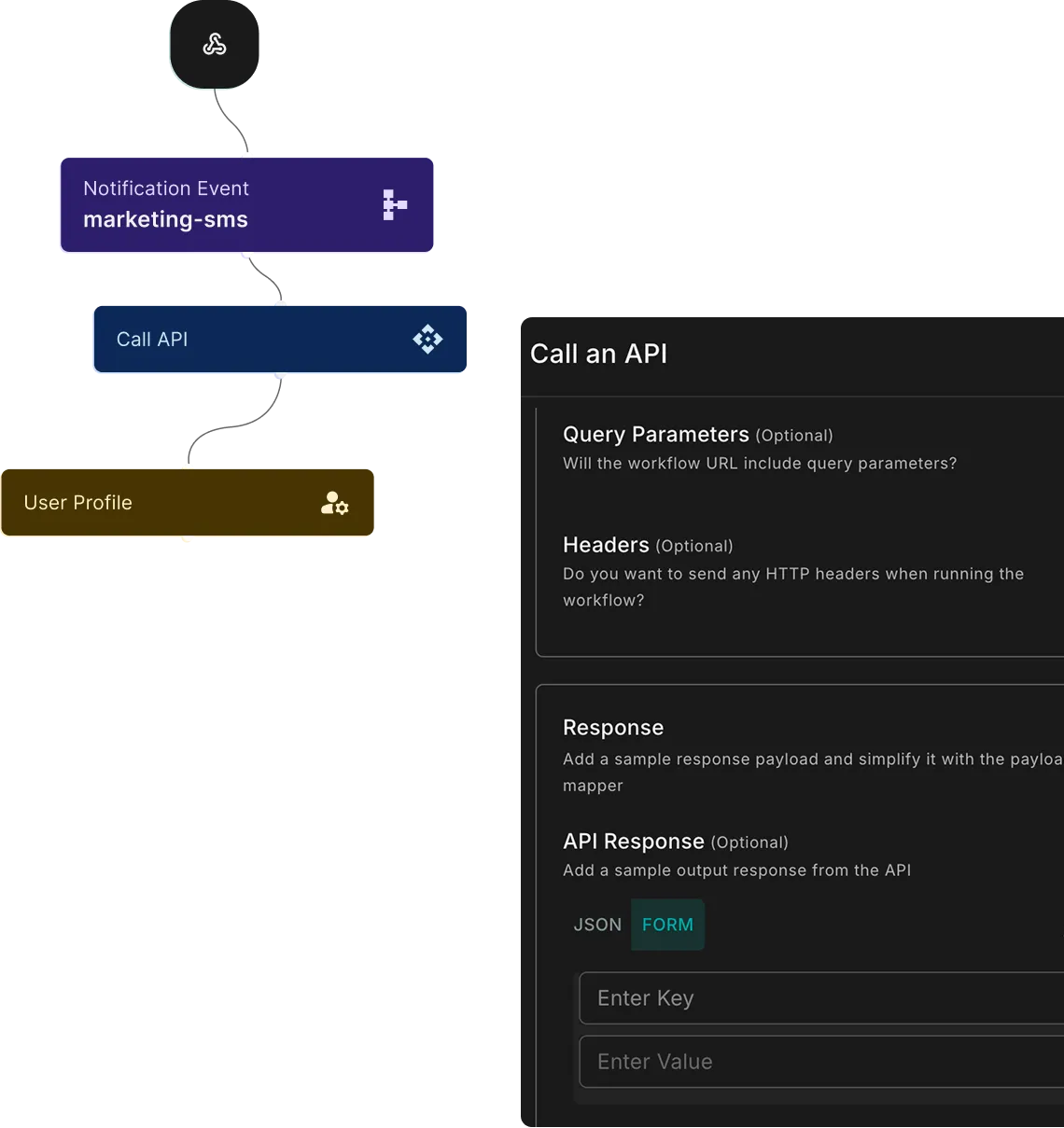
API GATEWAY
Call external APIs mid-flow
Fetch data, validate identity, push to backend. Payload mapped without core banking changes.
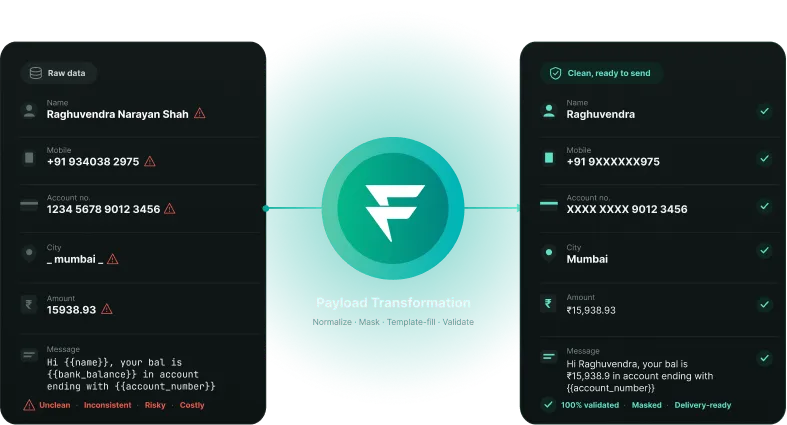
PAYLOAD TRANSFORMATION
Clean data before send
SMS trimmed 8-12%. Fields masked. Variables replaced. Names standardised.
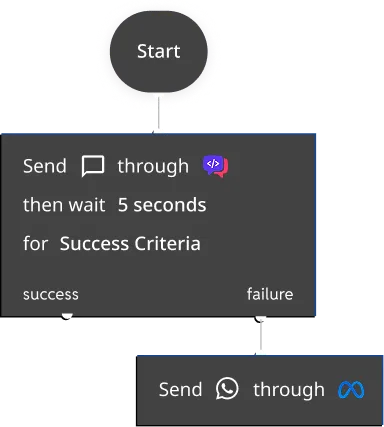
PROVIDER-LEVEL FAILOVER
Auto-reroute on failure
SMS not delivered in 5s, switch to WhatsApp. Updated without stopping flows.
While you’re still here, check out some other features!
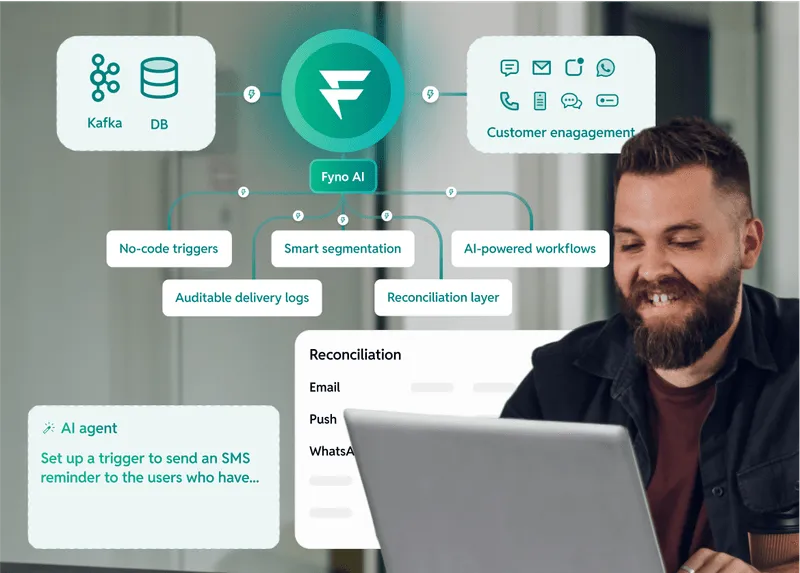
Securely automate communication operations (now with AI)
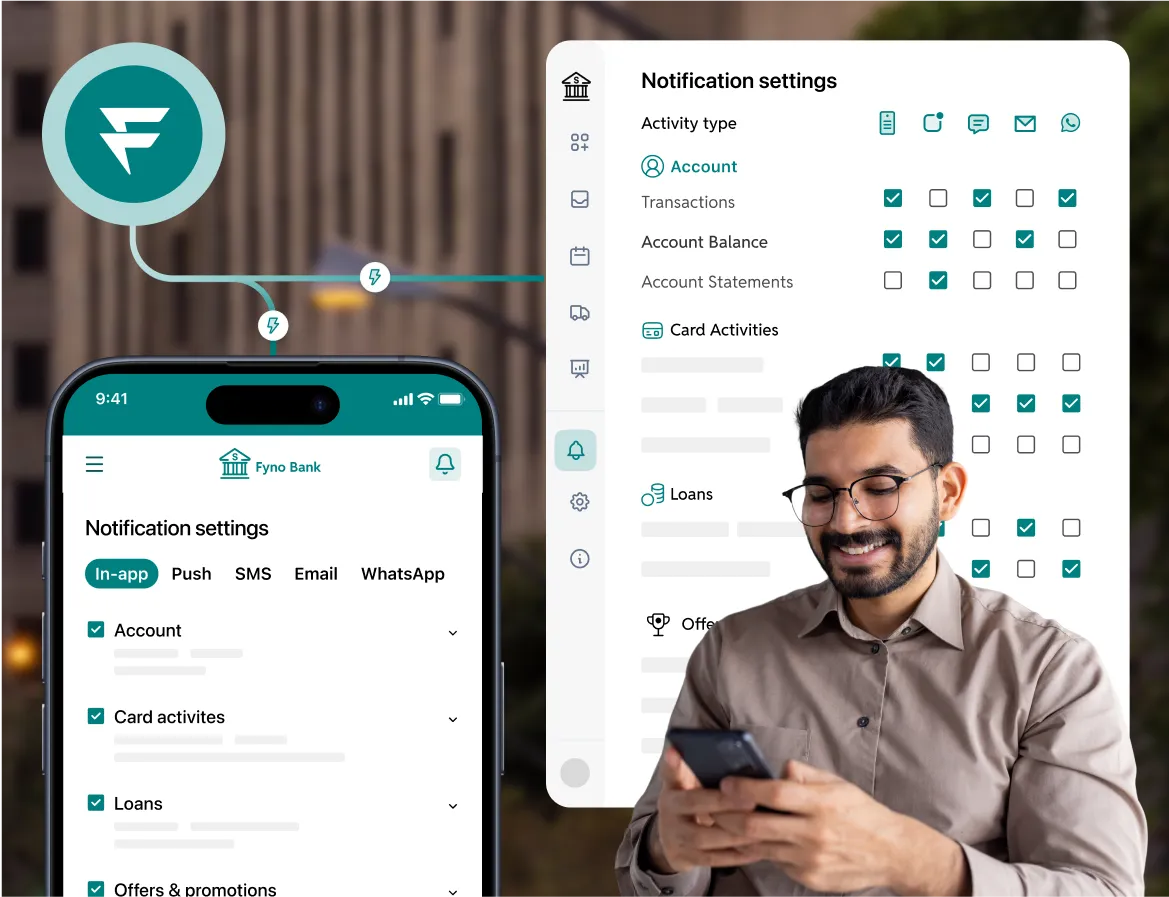
The most powerful notification center for your app
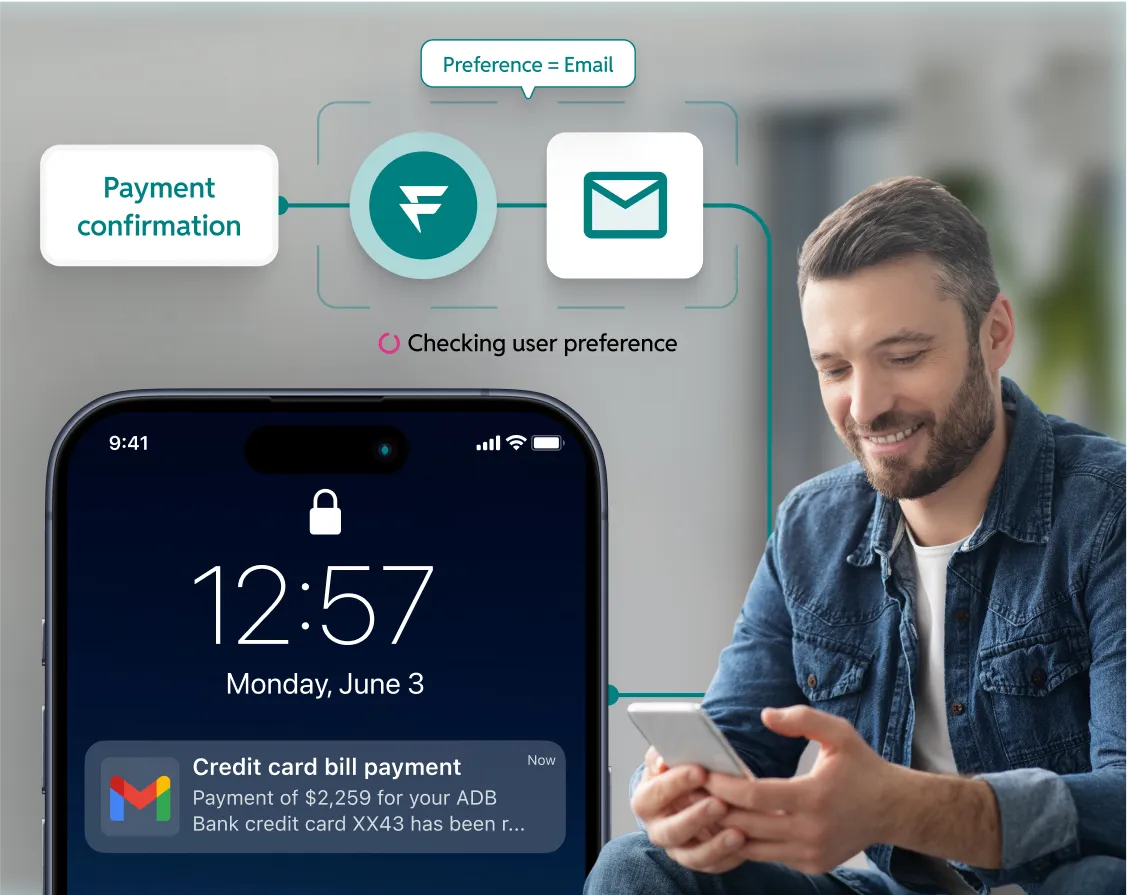
Build trust through intelligent preference management
Find the answers that you need
Fyno Flows is designed for interactive, multi-channel customer journeys with WhatsApp native experiences, RCS interactive flows, and visual journey design. The Workflow Builder is the automation engine underneath: it handles event-based triggers, conditional routing, API integrations, payload transformations, and multi-step notification sequences. Flows are customer-facing journeys. Workflows are the backend automation that powers notification logic. They work together: a Flow can trigger a Workflow, and a Workflow can initiate a Flow step.
Workflow automation for notifications replaces hard-coded notification logic in your codebase with a visual, event-driven system. Instead of engineering teams writing if-else blocks for every message journey, ops and product teams define the logic on a drag-and-drop canvas. A business event, such as loan disbursement, payment failure, or KYC completion, triggers the workflow. The system then executes a sequence of steps: selecting the channel, applying conditional branches based on customer attributes, checking delivery status, and escalating through fallback channels if needed. Each step evaluates the outcome of the previous one before firing. For BFSI, this means notification changes ship in hours instead of sprint cycles, failover is automatic rather than manual, and the full journey logic is visible and auditable without reading code. Fyno's Workflow Builder handles this with native support for API calls mid-flow, payload transformation, time-based provider failover, and channel cascade by cost.
Yes. The Workflow Builder uses a drag-and-drop canvas. Marketing, operations, and product teams can add message steps, wait conditions, conditional branches, and channel selections without writing code. Templates from the Template Builder are available as building blocks. Maker-checker approval ensures that workflows go through governance before going live. The builder is designed to remove the dependency on engineering for every notification change.
Workflows fire on business events from multiple sources: API calls from your backend, Kafka streams via Fyno Connect, database change events, and webhook payloads. Common BFSI triggers include loan disbursement, KYC completion, payment failure, EMI due date approach, account balance change, and fraud alerts. The platform's anomaly detection can also trigger alert workflows: if a spray attack is detected, an alert fires immediately via email, dashboard, Slack, SMS, or webhook.
Fyno's payload transformation layer includes intelligent message trimming that reduces SMS character count by 8-12 percent. For a bank sending millions of SMS per month, this directly reduces cost by keeping messages within single-segment limits. The layer also handles placeholder masking to exclude sensitive data from storage, dynamic variable replacement, and name standardisation for overly long customer names.
The Workflow Builder supports time-based failover at both provider and channel level. If an SMS is not delivered within 5 seconds, the system switches to the backup provider or escalates to WhatsApp. Provider-down detection activates backup routes within seconds of failure pattern detection. The failover configuration can be updated in real time without stopping active workflow executions. Recovery parameters include RPO of approximately 12 hours and RTO of 2-3 hours.
Yes. API gateway nodes in the workflow canvas call external APIs mid-flow to fetch customer data, validate identity, check account status, or push data to backend systems. The payload transformation layer accepts your existing data formats and maps them to workflow requirements without core banking system changes. A single API endpoint triggers the entire workflow. Fyno handles multi-channel distribution from that single call.
Workflows support channel cascade logic: send via the cheapest channel first, then escalate. A typical pattern is push notification first (cheapest), email if push is not opened within 10 minutes, then SMS only if both fail. Each step evaluates the delivery outcome of the previous step before firing. Banks who have used this, reduced cost significantly by sending expensive SMS only as a last resort while maintaining delivery guarantees.
Discover insights
Learn how teams streamline communication, manage templates, and scale faster with Fyno.


.svg)