One platform, isolated workspaces per department
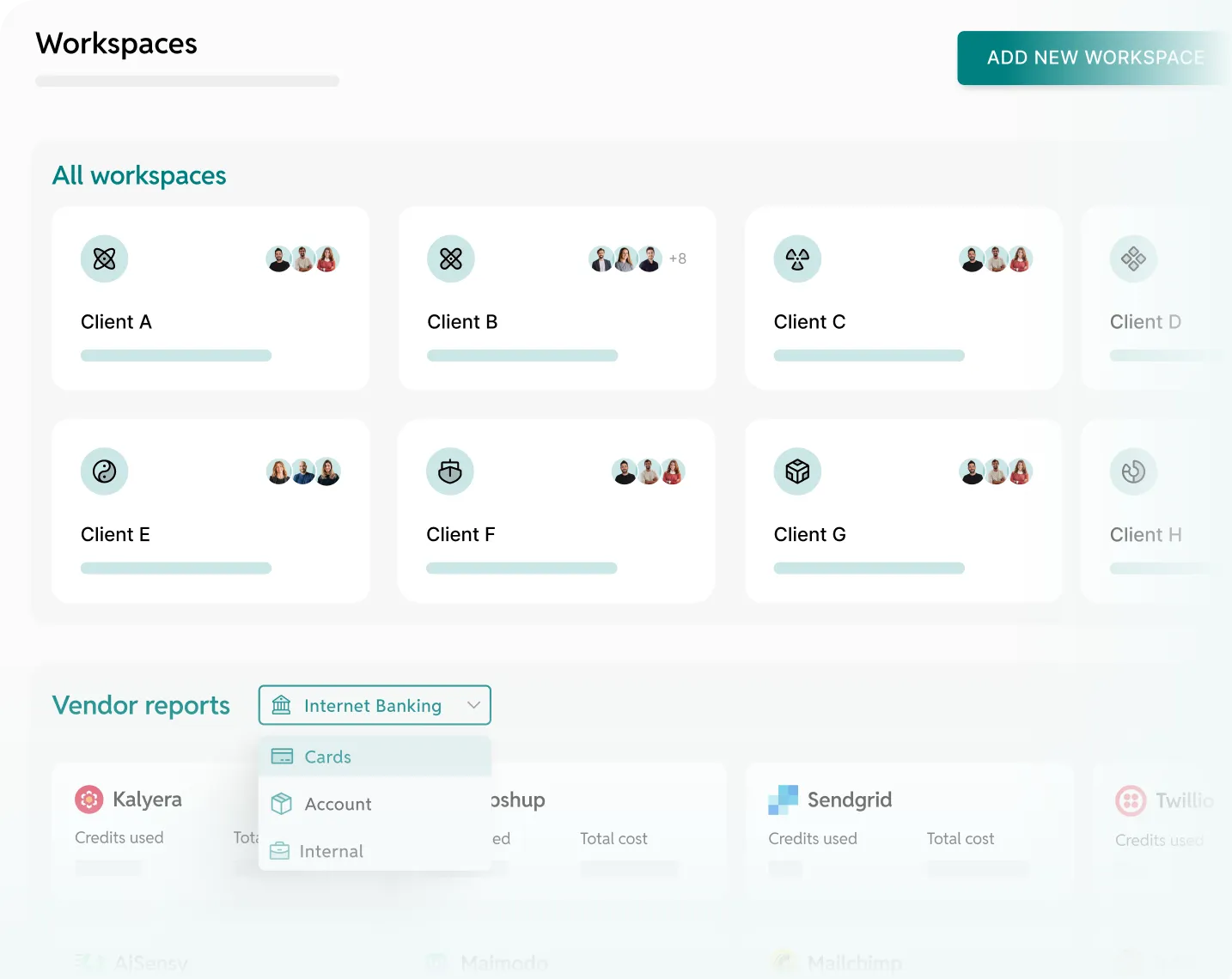
Most notification platforms offer one shared environment. Fyno gives each department its own workspace with isolated templates, routing, and analytics, governed by central policies.

.webp)

.svg)
.svg)
.svg)
.webp)

.svg)
.svg)


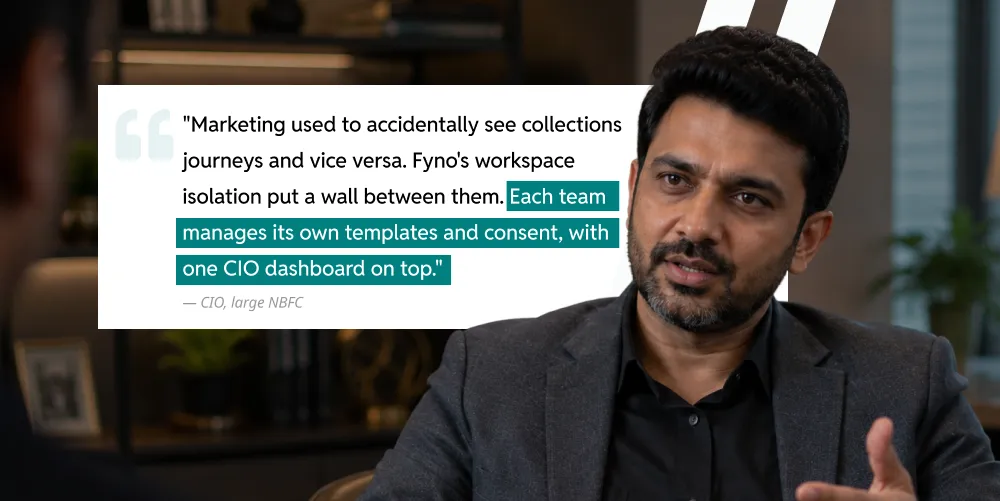
Department autonomy and central governance, no trade-offs
WORKSPACE ISOLATION
Each department operates in its own environment
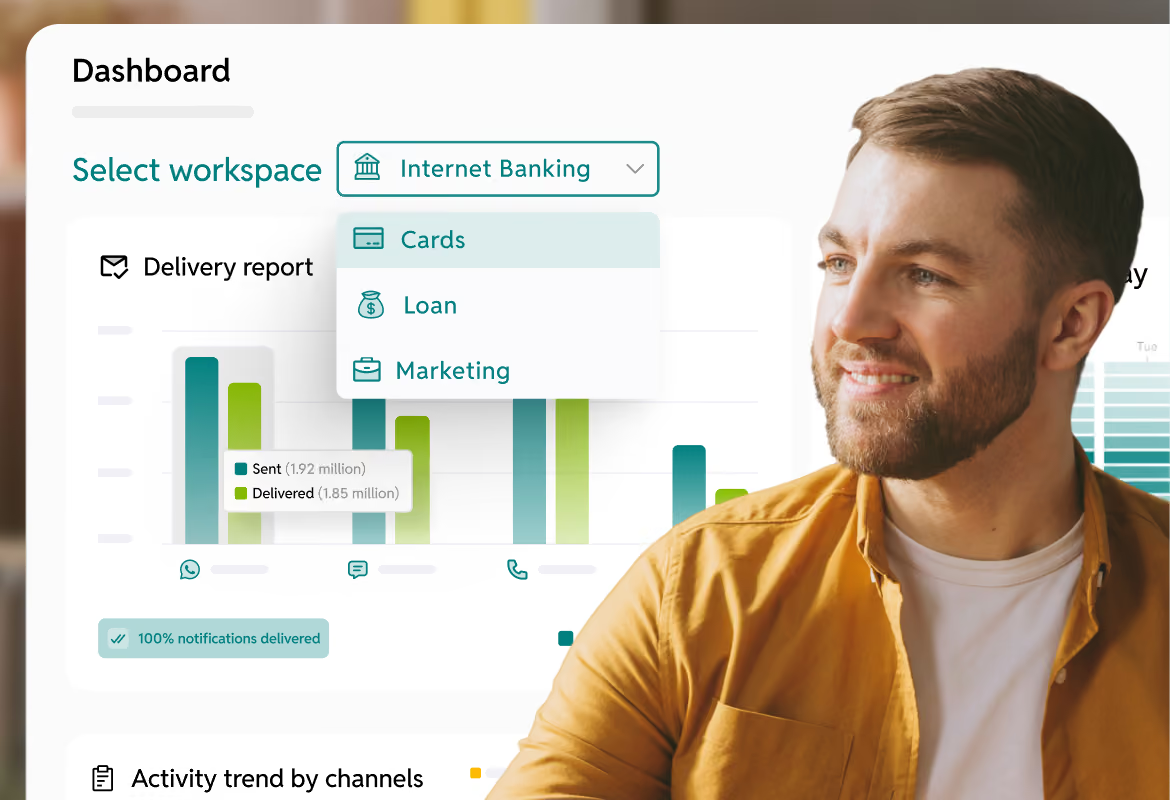
DEDICATED WORKSPACES
One per department or LoB
Loan origination, servicing, marketing, collections, treasury. Each with its own dashboard, templates, integrations, and consent rules.
ROLE-BASED ACCESS
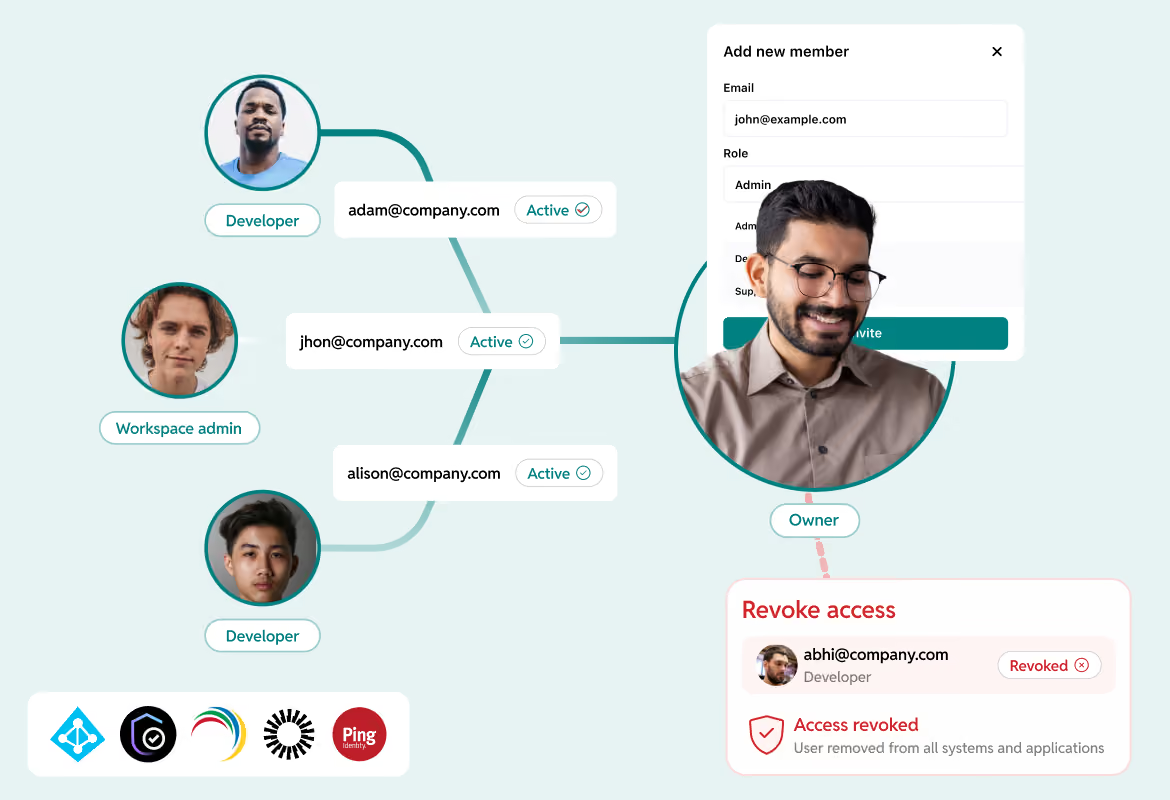
LDAP and SSO integrated
Azure AD, IBM Verify, Manage Engine, Okta, or any SAML/LDAP provider. Roles assigned at the IDAM level. Employee leaves, access revoked in every workspace.
WORKSPACE REPORTING
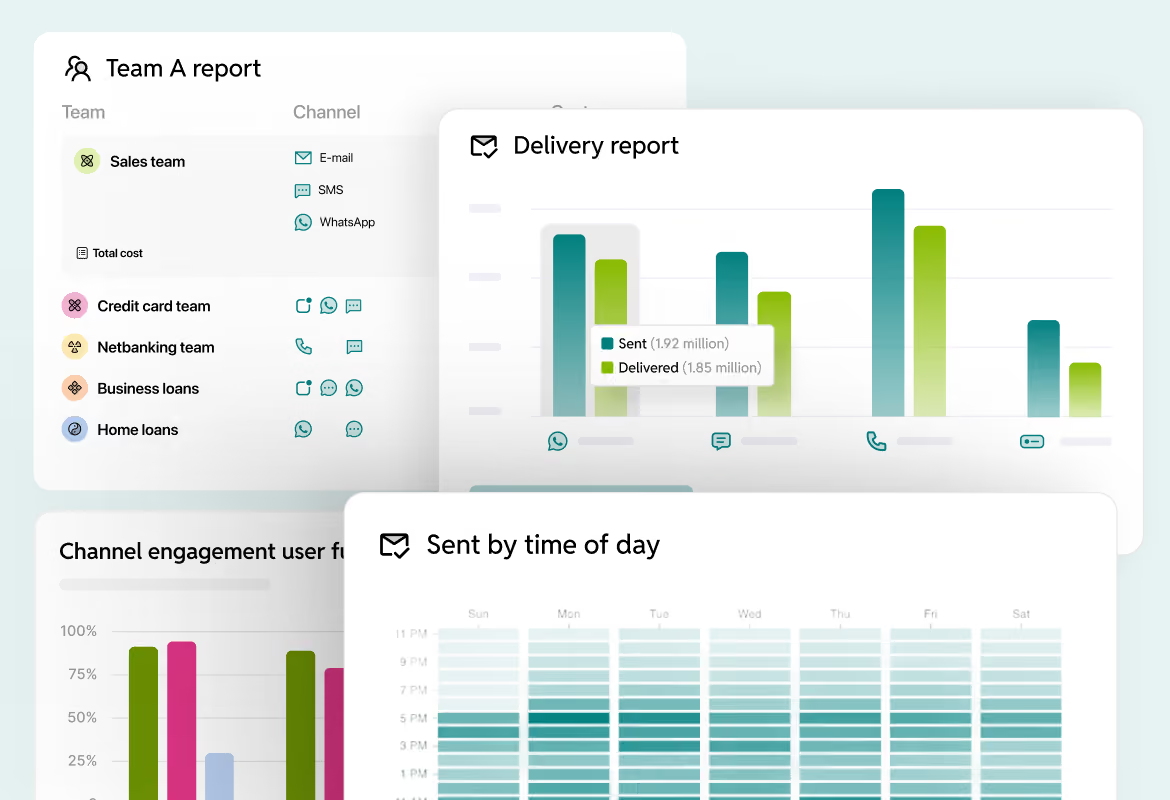
Analytics per department
Delivery rates, channel performance, cost per campaign, and SLA tracking per workspace. Drill down from parent org to per-vendor detail.
DEPARTMENT ISOLATION
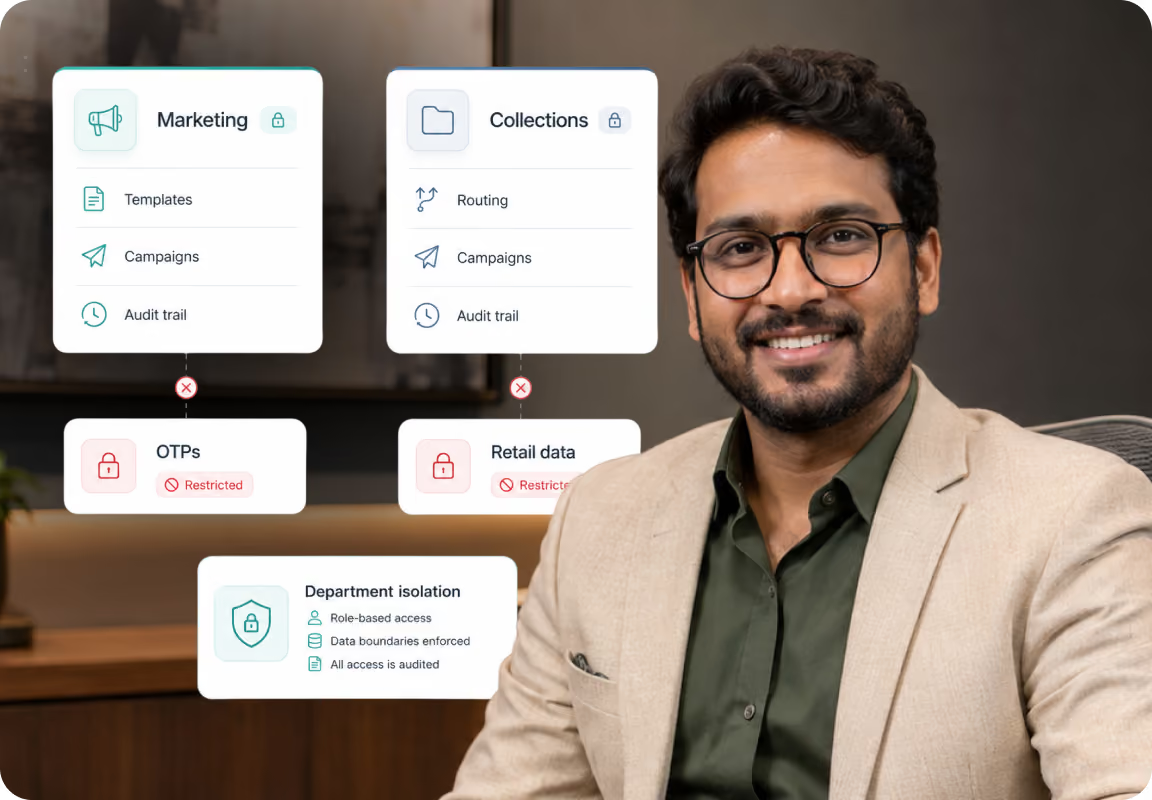
No cross-department leakage
Marketing cannot access OTPs. Collections cannot access retail data. Each department manages its own templates, routing, campaigns, and audit trails.
Central governance
Group-level policies enforced across every workspace
ENTERPRISE GOVERNANCE
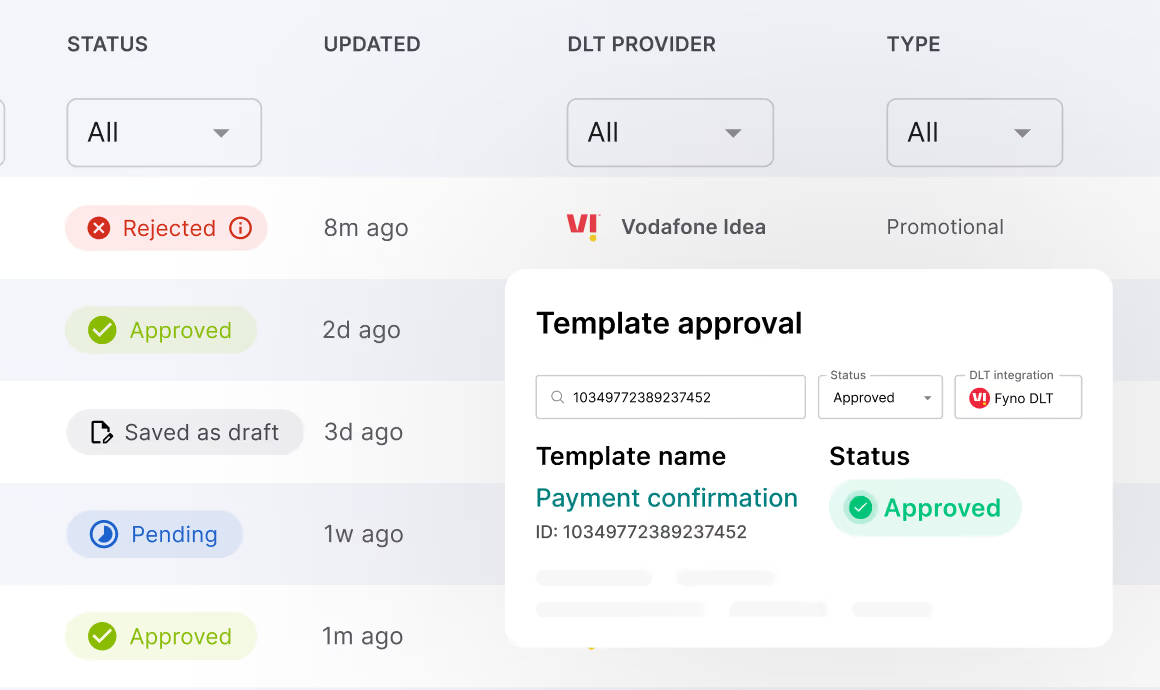
Central overrides all
Group-level DLT rules, template approvals, DND enforcement. No workspace can override central policy.
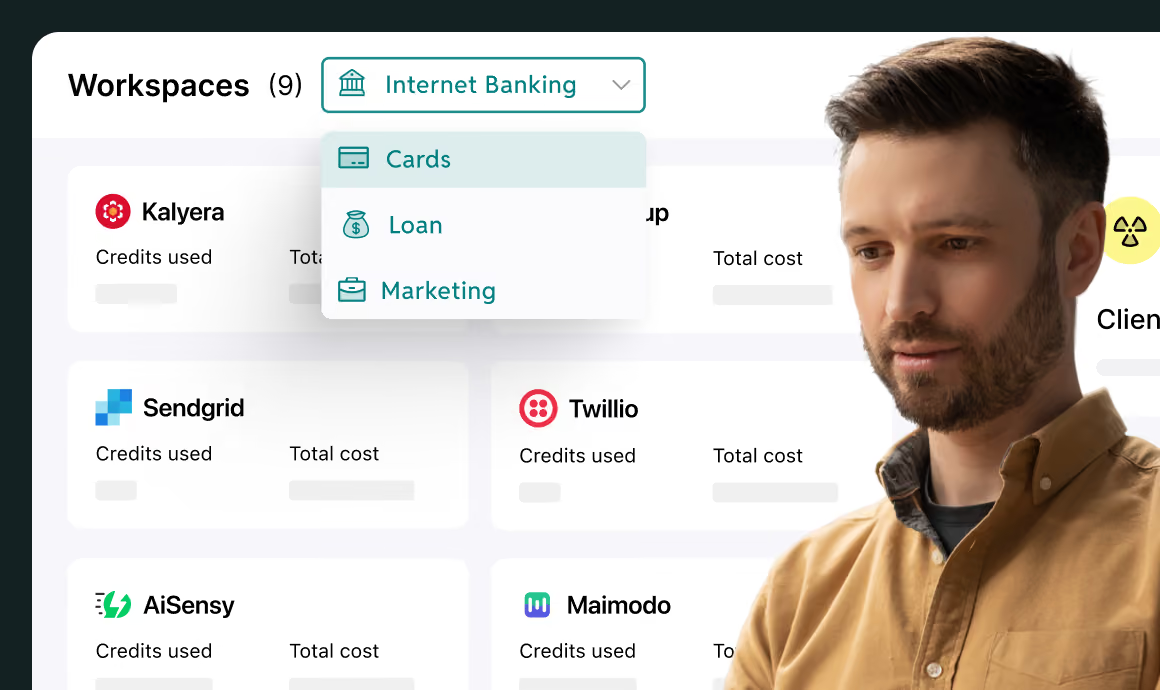
CROSS-WORKSPACE VIEW
One dashboard for the group
Aggregate volumes, delivery rates, cost, compliance status. Vendor negotiation data across all LoBs.
While you’re still here, check out some other use-cases!
Streamline your communication stack with Fyno's universal API
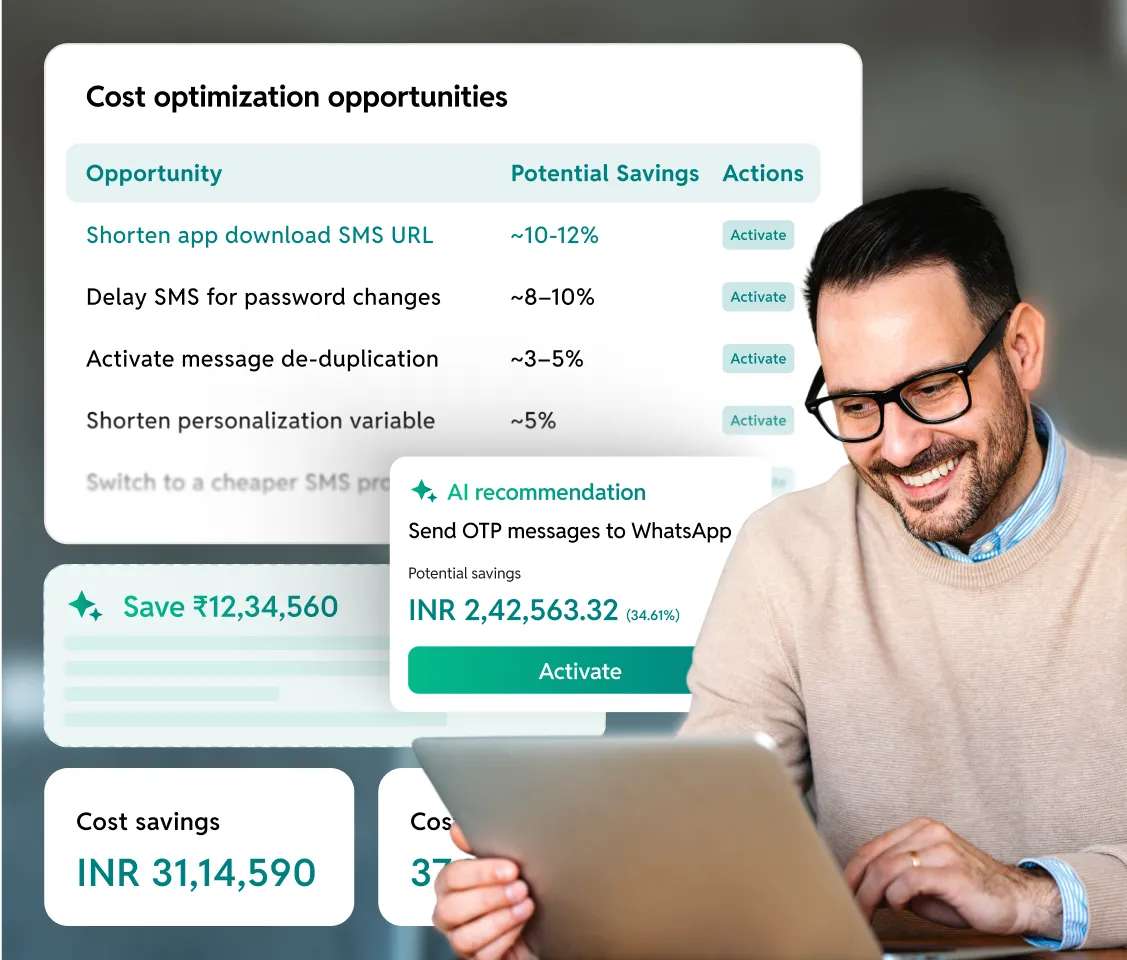
Save up to 40% on communication cost without any manual effort
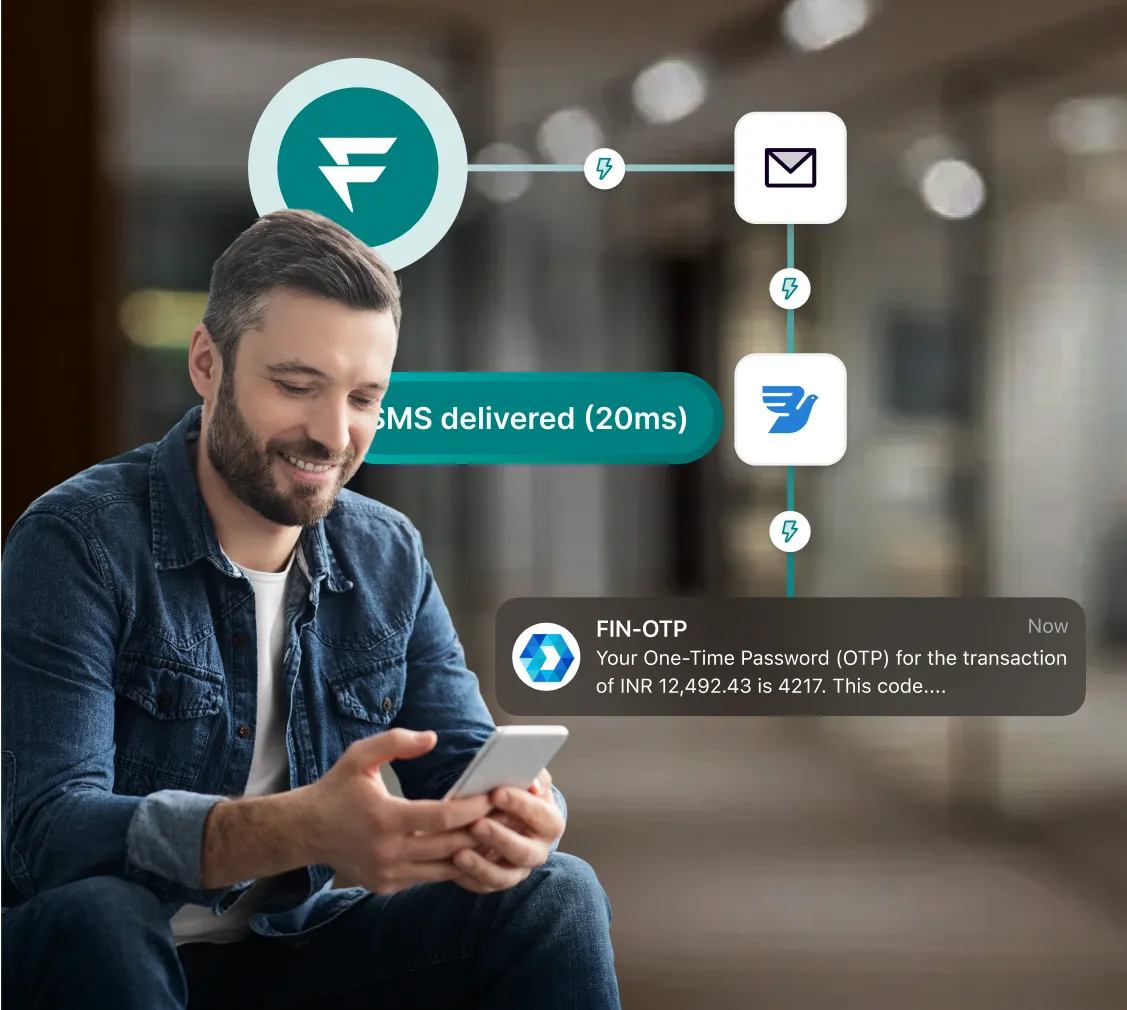
Processing every message with lightening speed
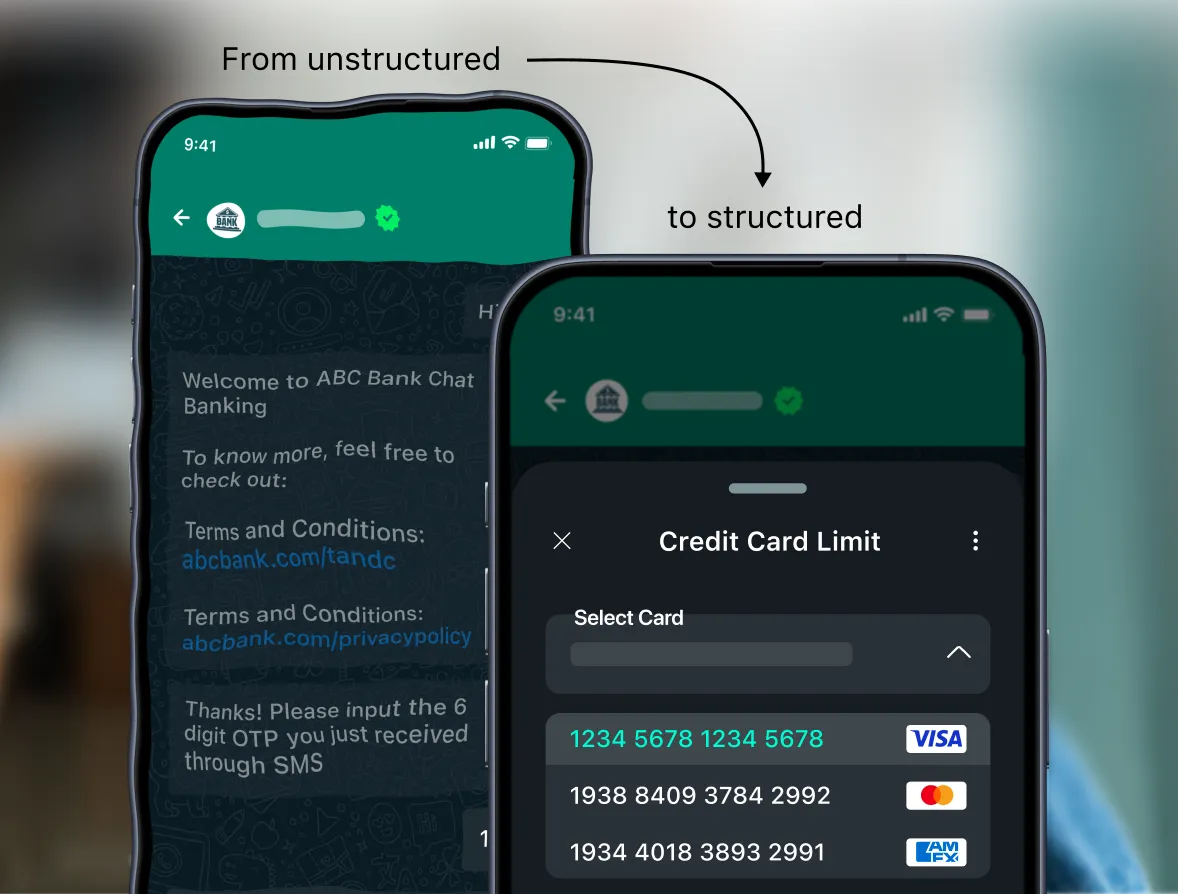
Upgrade your WhatsApp banking experience
Frequently asked questions about Fyno Multi-Tenancy
There is no hard limit on workspace count. A typical enterprise deployment includes 5-6 workspaces: Loan Origination Services, Servicing, Reactivation, Marketing, Operations, and Collections. Each workspace contains its own dashboard, templates, integrations, and reports. Workspace creation and configuration is managed by a central admin who enforces group-level policies across all workspaces while maintaining departmental autonomy for day-to-day operations.
Fyno integrates with enterprise identity providers through LDAP and SAML. Supported systems include Azure Active Directory, IBM Verify, and Manage Engine IDM. Roles and permissions are configured at your IDAM level, not within Fyno. When an employee leaves your organisation, their Fyno access is revoked automatically through the same process that revokes all other system access. Fyno does not maintain a separate user database. Pre-defined roles include Admin, Developer, Support, and Owner with different access levels per role.
Yes. Central administrators maintain override authority across all workspaces. Group-level policies, including template approval requirements, DLT compliance rules, and DND enforcement, are set centrally and cascade to all workspaces. No individual workspace can override group policies. This dual-layer governance, central policies with departmental autonomy, mirrors how large BFSI organisations operate.
Each workspace operates as a fully isolated tenant. Department heads manage their own templates, routing rules, and campaigns without visibility into other departments. A marketing team member cannot access financial transaction templates. Each department's communication metrics are attributed correctly for cost centre tracking. The isolation is enforced at the platform level, not through manual permissions that can be misconfigured.
At the workspace level, each department sees its own delivery rates, channel performance, cost metrics, and provider breakdowns. Dashboards are clickable, drilling down from aggregate numbers to channel-wise and provider-wise detail. At the group level, the CIO or COO sees aggregate analytics across all workspaces: total message volumes, delivery rates, cost per message, compliance status, and vendor performance. This group view is used for vendor negotiations, board reporting, and regulatory compliance demonstrations.
Data storage follows a two-tier model. Detailed logs in MongoDB with a 7-day standard TTL, which is configurable. An analytics pipeline using Kinesis to S3 handles long-term analysis. Reports can be extracted and downloaded. Each workspace's data is logically isolated. Cross-workspace analytics aggregate data for the group view without exposing individual workspace details to other departments.
Yes. Workspaces can be created for OEM partners, franchise operations, or external entities that use your communication infrastructure. Each partner gets a dedicated workspace with its own templates, routing rules, and analytics, completely isolated from your internal operations. This is used by NBFCs and insurance companies that manage communication for multiple distribution partners through a single Fyno deployment.
Discover insights
Learn how teams streamline communication, manage templates, and scale faster with Fyno.


.svg)