

Secure Allowlist Endpoint
The Secure Allowlist Endpoints feature adds an additional security layer to verify that API requests originated from Fyno.
When enabled, Fyno generates an HMAC signature using a secret key and includes it in every supported outbound API request. Your application can validate this signature to verify the authenticity and integrity of the request payload.
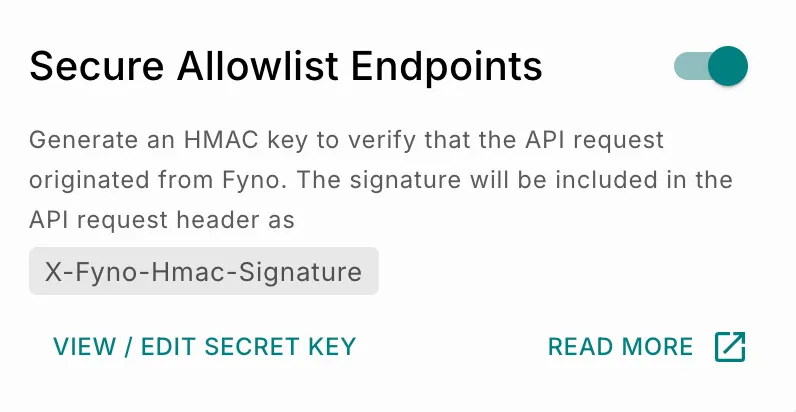 The signature is included in the request header:
Depending on the application or framework being used, the header may appear as either X-Fyno-Hmac-Signature or x-fyno-hmac-signature.
Enable Secure Allowlist Endpoints
How It Works
When Fyno sends a supported API request:
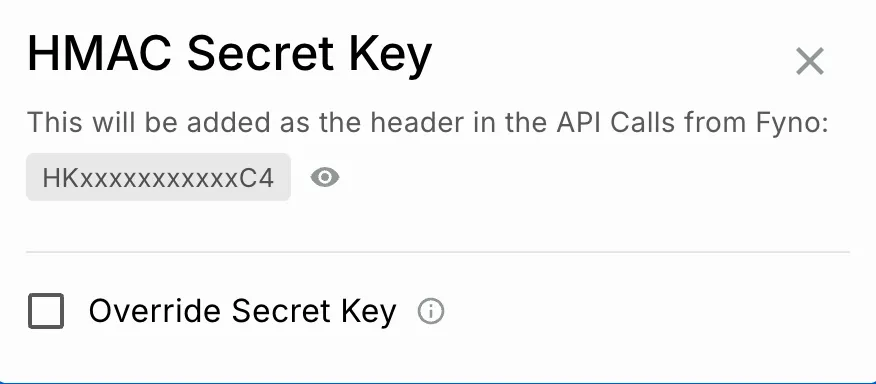
- Fyno generates an HMAC signature using your configured secret key and the request payload.
- The signature is created using the SHA-256 hashing algorithm.
- The generated signature is added to the request header as
X-Fyno-Hmac-Signature. - Your application can generate the same signature using the shared secret key and compare it with the received signature.
- If both signatures match, the request can be considered authentic and untampered.
Supported Requests
Secure Allowlist Endpoints are supported for:
- HTTP POST requests only
application/jsonapplication/x-www-form-urlencoded
Supported Use Cases
You can use this feature for:
- API calls made from Workflows
- Delivery reports (DLRs) sent from Fyno to your endpoints
- Any supported outbound webhook integrations requiring request verification
Secure Allowlist Endpoints are supported only for POST requests with application/json and application/x-www-form-urlencoded content types.