Subscription Widget within a Workflow
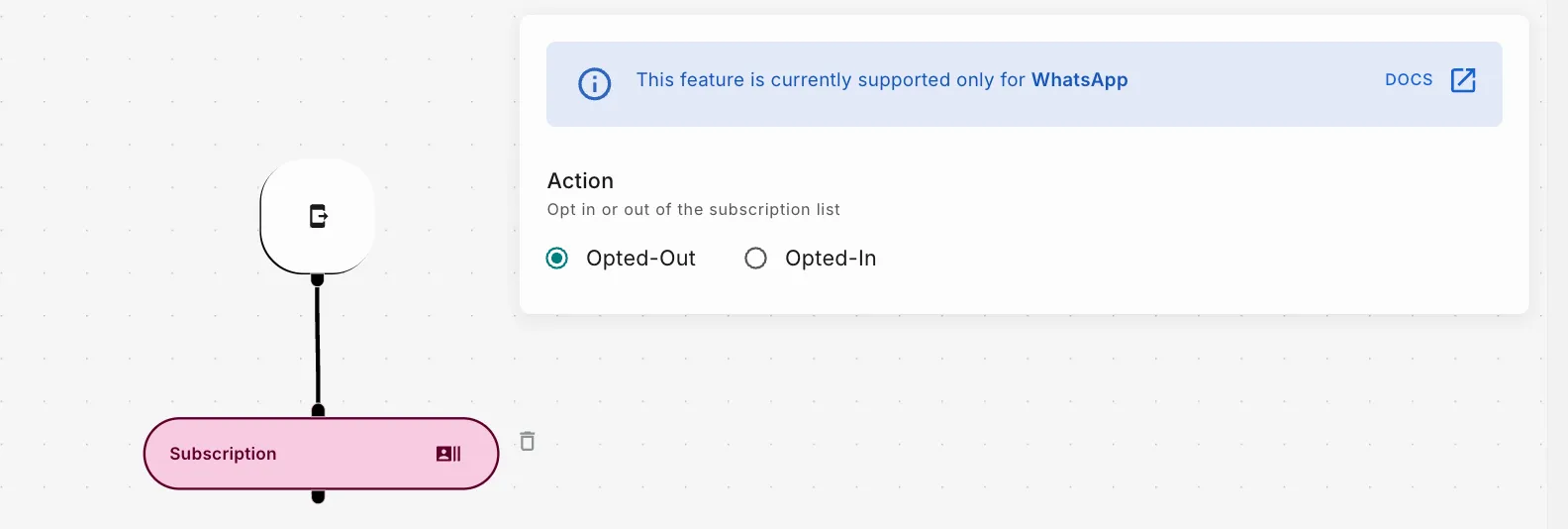
The Subscription widget activates the process for subscribing or unsubscribing. This happens when a user clicks Stop Promotions in a WhatsApp message, or when a user consents to receive WhatsApp marketing notifications.
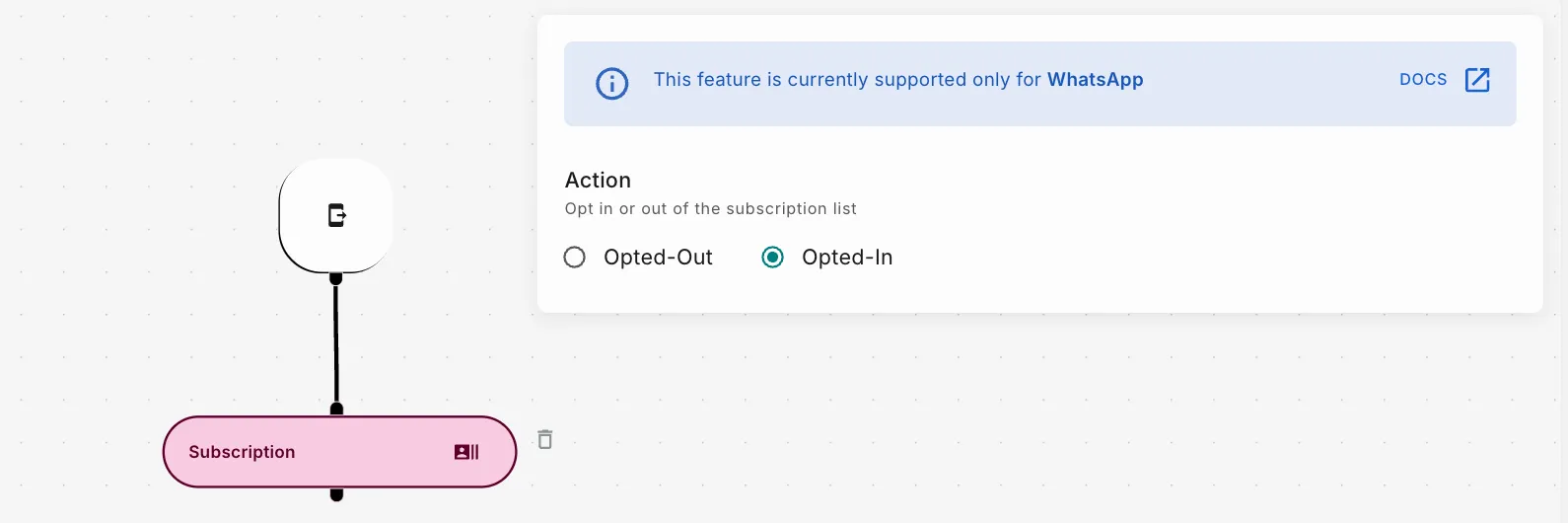
This feature is currently supported only for WhatsApp.
Example
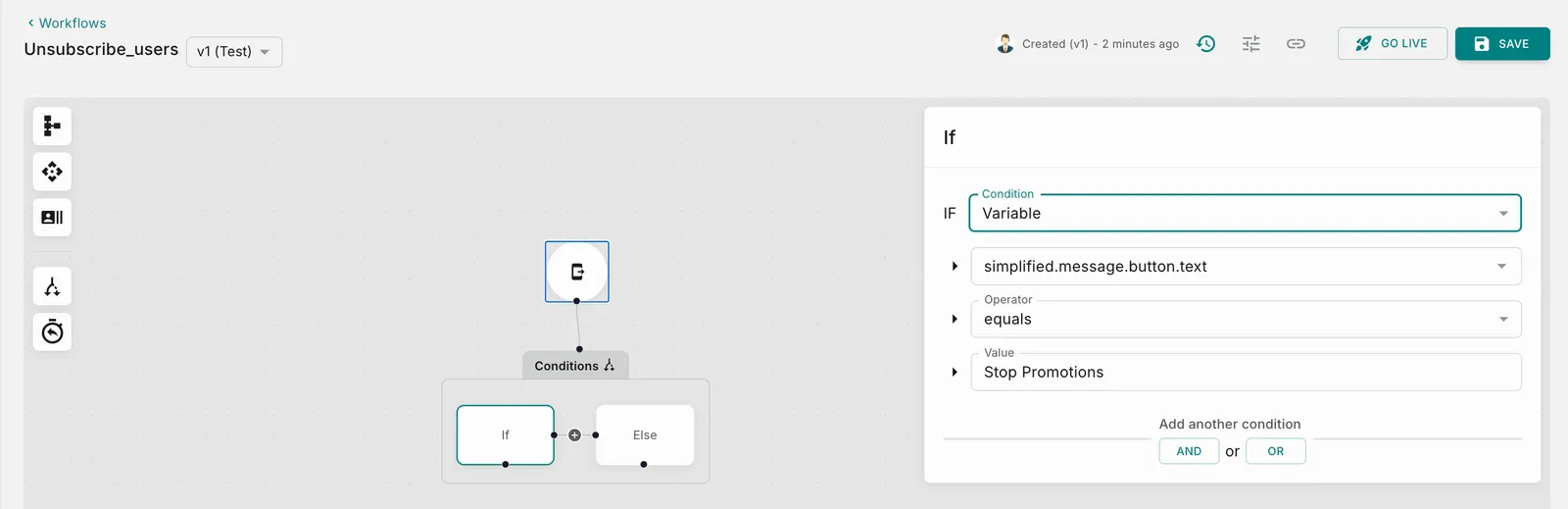
Two users get the same WhatsApp promotion. Priya taps Stop promotions, so the workflow opts her out. Rahul taps Shop now, so the condition is false and he stays subscribed.
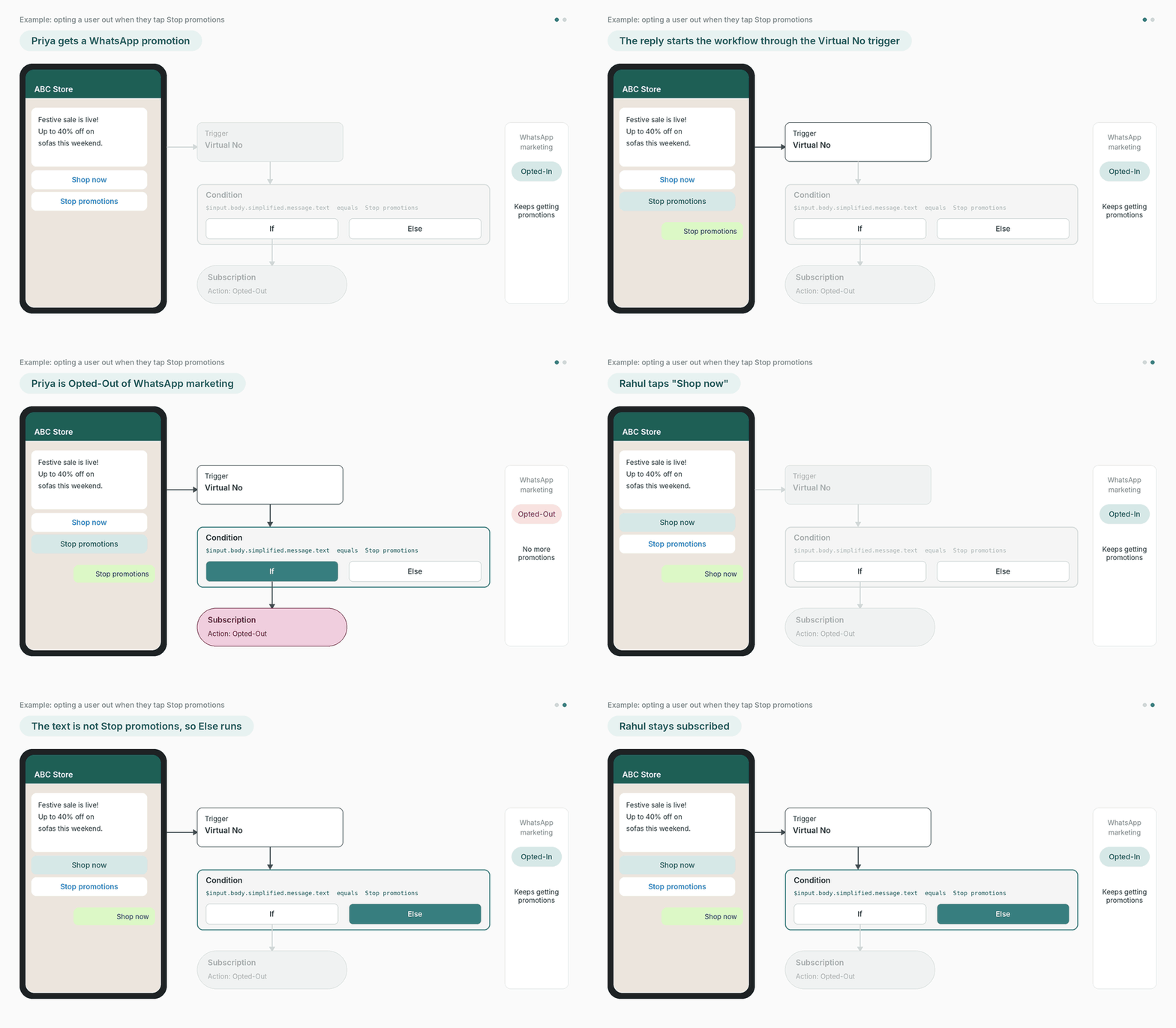
Unsubscribe a user from WhatsApp notifications
To unsubscribe a user from WhatsApp notifications, follow the below steps.
Add the Virtual No. trigger
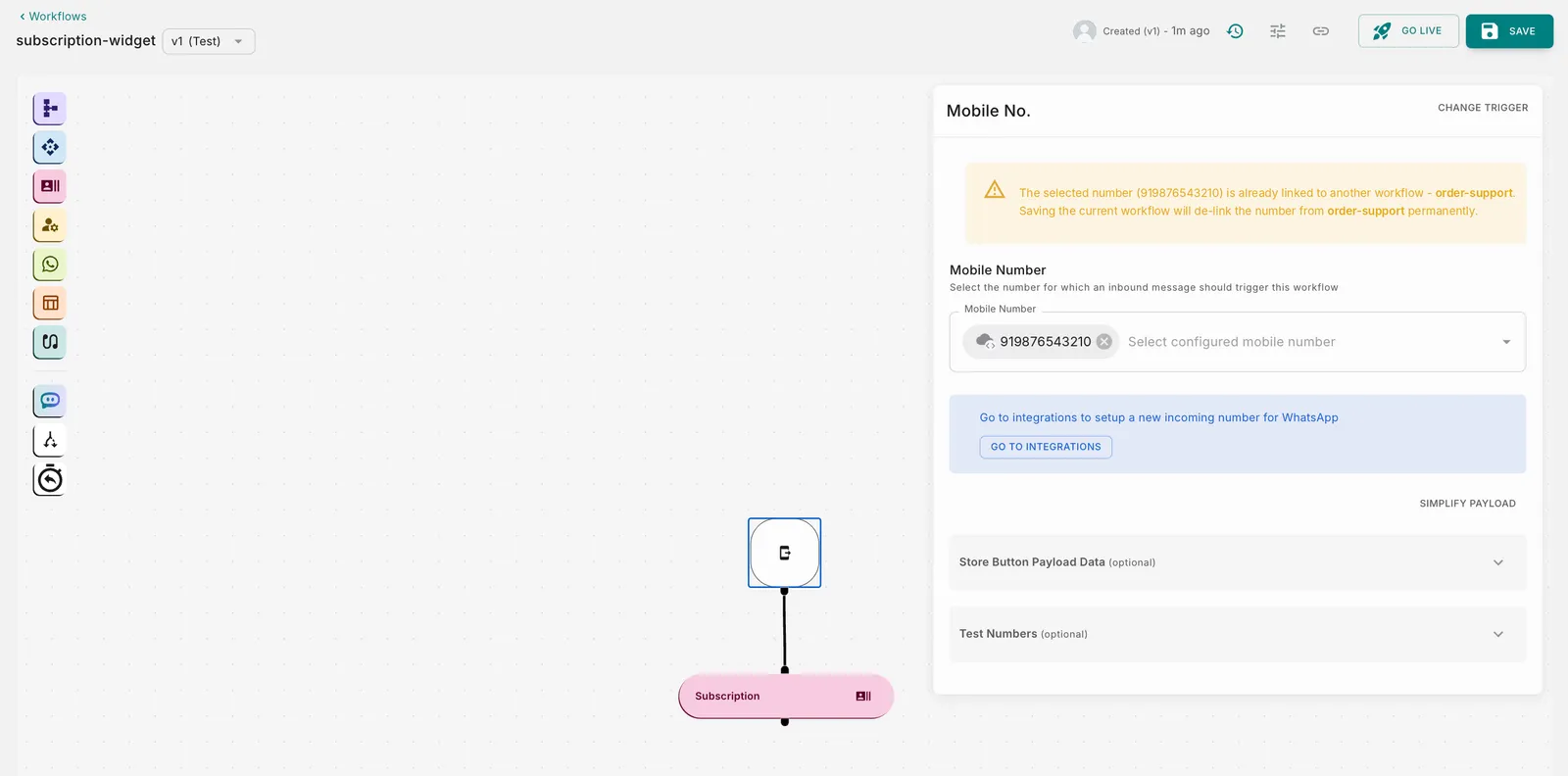
Create a workflow and select VIRTUAL NO. from the triggers. In the Mobile No. panel, under Mobile Number, select your WhatsApp Business number.
If the number is already linked to another workflow, you will see a warning. Saving the current workflow removes the number from the other workflow permanently.