Updating and Deleting User Profile
Updating User Profiles
Updating a user profile is not something one would do regularly or frequently, but it is a necessary feature, when it comes to the addition of, let’s say a new channel or if there is a change in the details.
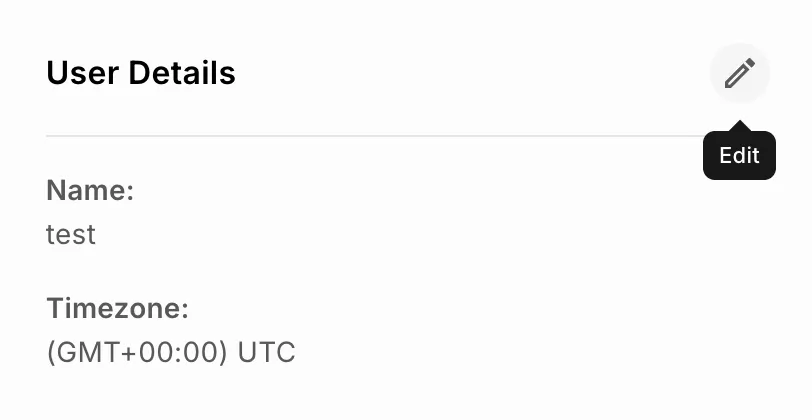
Distinct ID is not editable
The process of updating the User Profile is as below:
1Clicking on the User’s tab from the left navigation tab will open up the User Profile Listing page.
2You can click the DistinctId of the user you want to edit and the User details page open as shown below.
3Once you have made the changes to the details, click on the
Update button next to
User Properties.
Deleting User Profiles
Deleting a profile, while it may not be an activity that is done frequently, is necessary, for various reasons.
You can delete a User Profile by following the below steps:

1Click on the
Users tab from the left navigation panel to open the
User Profile listing page.
2From the listing page, navigate to the user profile to be deleted and select the checkbox next to it. On selecting the checkbox, the “Delete” option appears on the top right corner of the page. Click on delete.
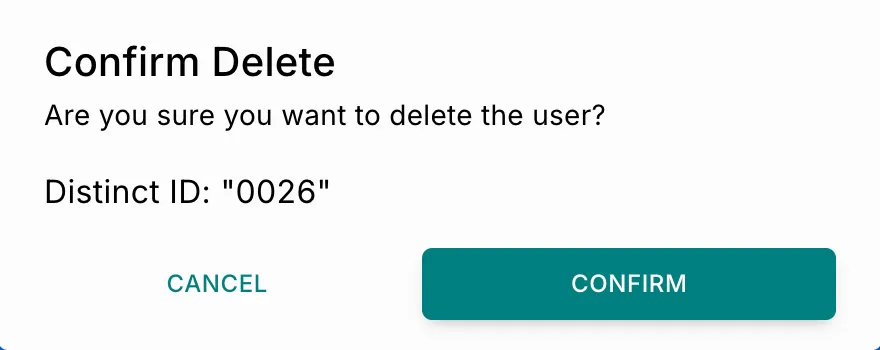
Select multiple user profiles via the checkbox to bulk delete user profiles. 3The confirmation dialog box will prompt you to reconfirm since it’s a deletion.
A User Profile once deleted cannot be recovered!