

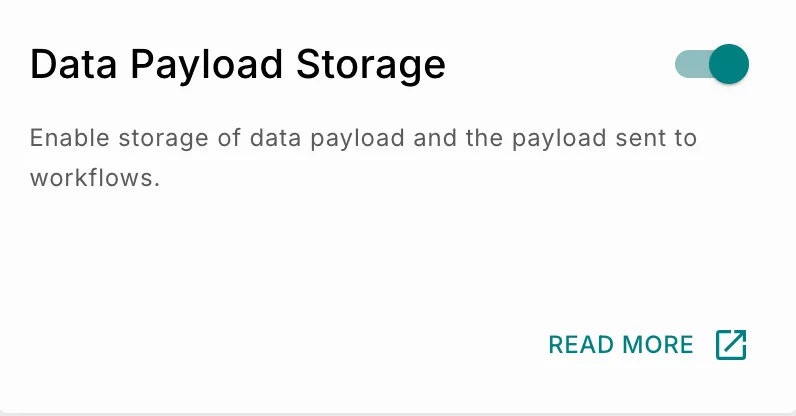
Data Payload Storage
You can decide whether you want to store the data payload you send to Fyno or not using this setting.
How it Works?
Data Payload storage, when activated, will be implemented on the below data point that we receive from you:
- Data Payload
- Payload sent to workflows.
Fyno’s Data Payload Storage feature works as below:
- Fyno receives an API request from your end with the data payload.
- On receiving the API Request, if Data Payload Storage is toggled on, then we will store the data payload at our end.
If its disabled, you won’t see any Placeholders data in the logs.
Enabling Data Payload Storage
To enable the Data Payload Storage feature for your account,