

Direct Send: Interactive
A Direct Send: Interactive message is an authentication or utility message with clickable buttons that can be sent directly, without prior Meta approval.
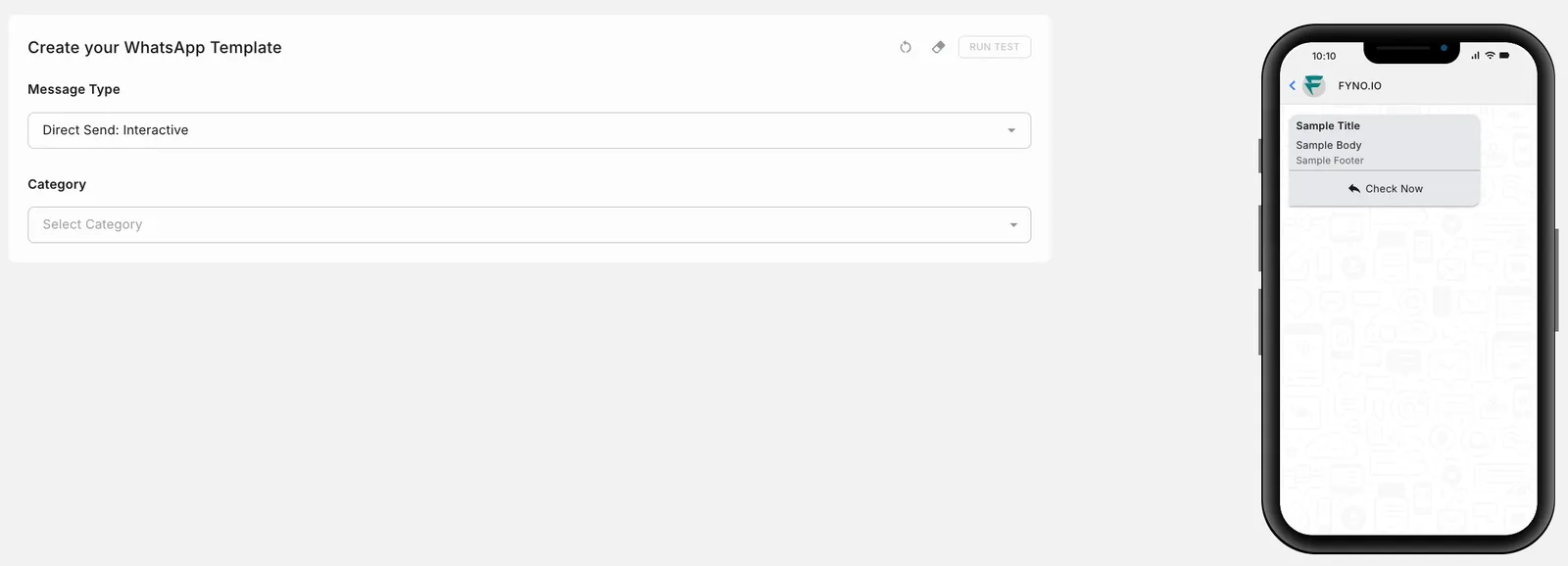
Set Message Type to Direct Send: Interactive, then select a Category: Utility or Authentication. The fields that follow depend on the category.
Utility
Authentication
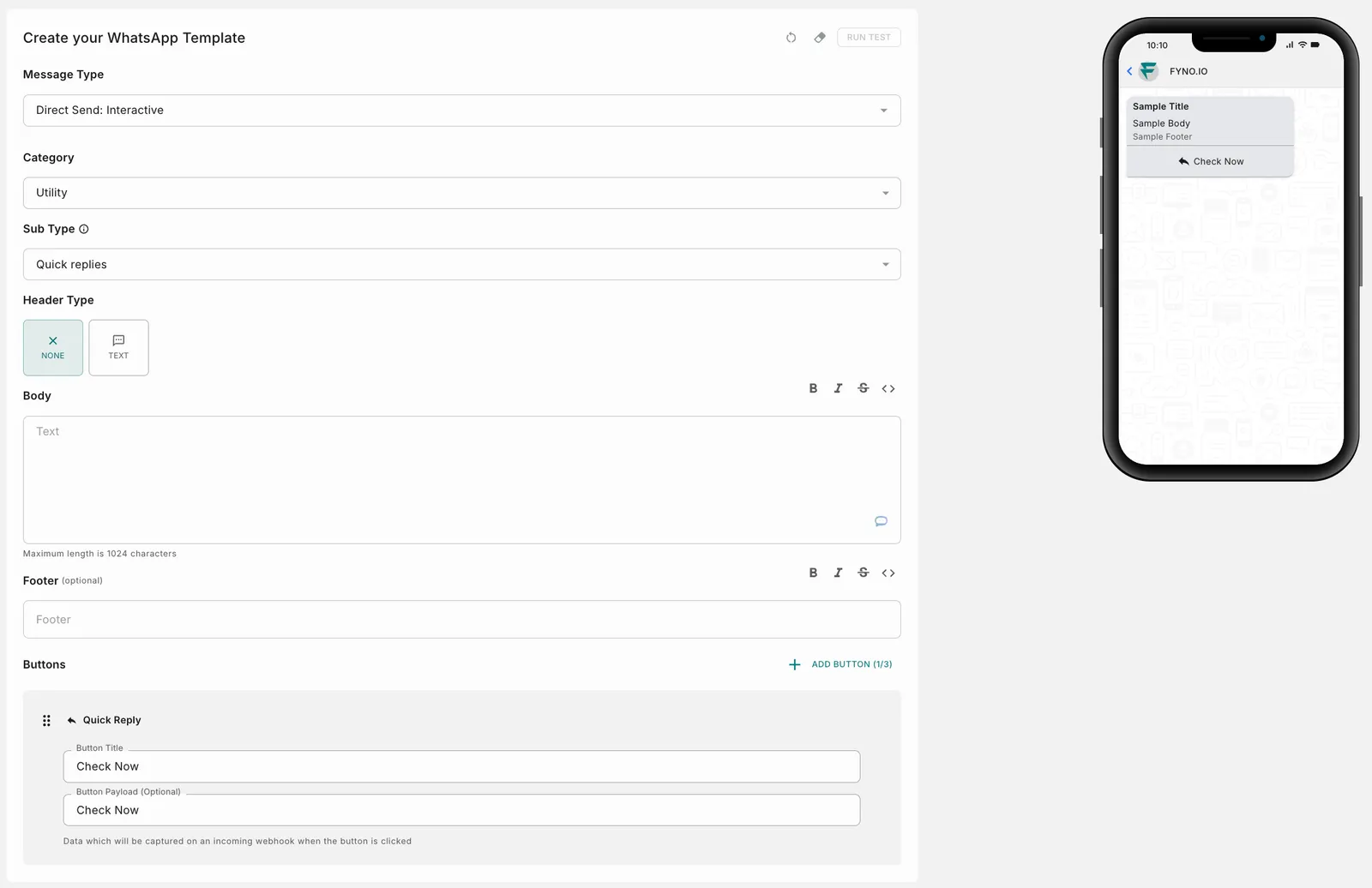
A Utility message has an optional header, a body, an optional footer, and up to 3 quick reply buttons.
- Sub Type: Set to Quick replies.
- Header Type: Choose None or Text.
Header Type: None
Header Type: Text
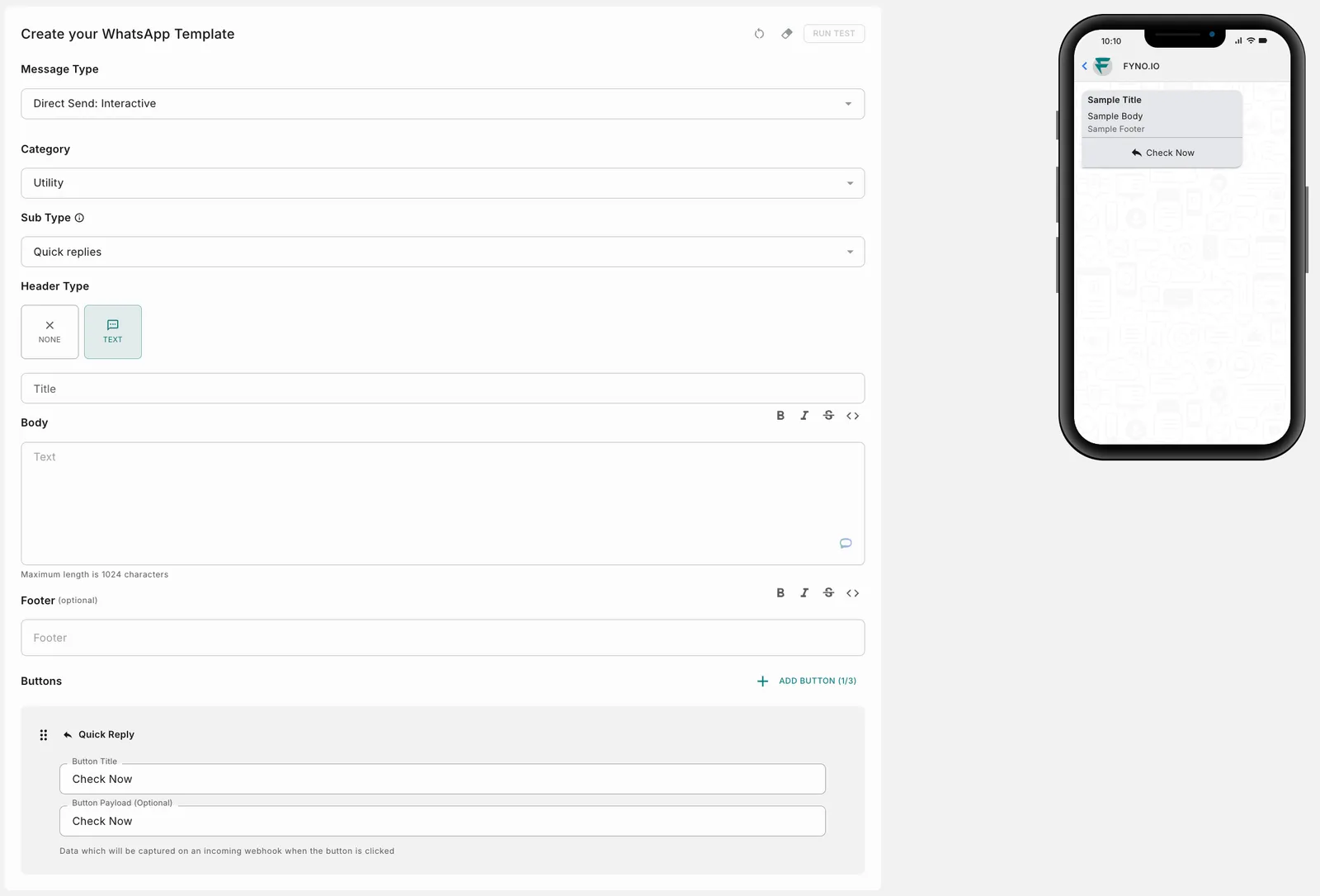
- Title: Enter the header text. Shown only when Header Type is Text.
- Body: Enter the message text. Use the toolbar above the field for bold, italic, strikethrough and code formatting. Maximum length is 1024 characters.
- Footer (optional): Enter the footer text.
- Buttons: Click Add Button to add up to 3 quick reply buttons. For each button, enter:
- Button Title: The text shown on the button.
- Button Payload (optional): Data that is captured on an incoming webhook when the button is clicked.